User Guide Ver. 7.1.0 2100 Cap Inspector Cap Inspector Calibration • 97
Required Calibration Tools
Performing a User Verification
This procedure is used to verify that the system is in
calibration.
The first step in this procedure is to install the Calibration
Fixture and Calibration Beam on the Cap Inspector.
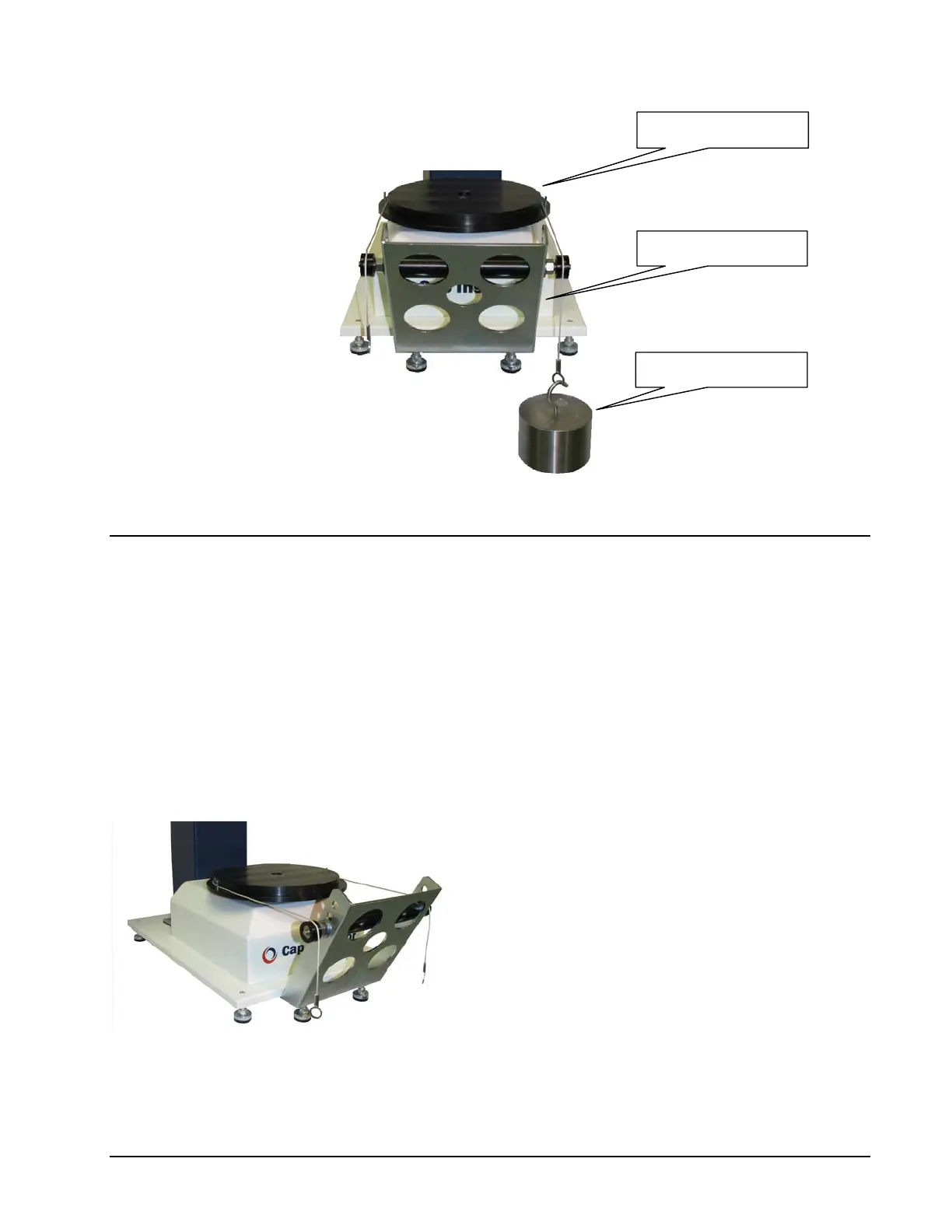
Installing the Calibration Fixture
The calibration fixture mounts on the front of
the Cap Inspector as shown in the picture.
To install the fixture, loosen the two
5
/
16
Socket
Head Cap Screws that are located on the
underside of the base plate. Then insert the
fixture between the base plate and the head of
the screws. Now re-tighten the bolts.
(Wrench Size ¼ " Hex)
Calibration Disk
Calibration Fixture
Calibration Weights



 To Next Page