24 • Modes of Operation User Guide Ver. 7.1.0 2100 Cap Inspector
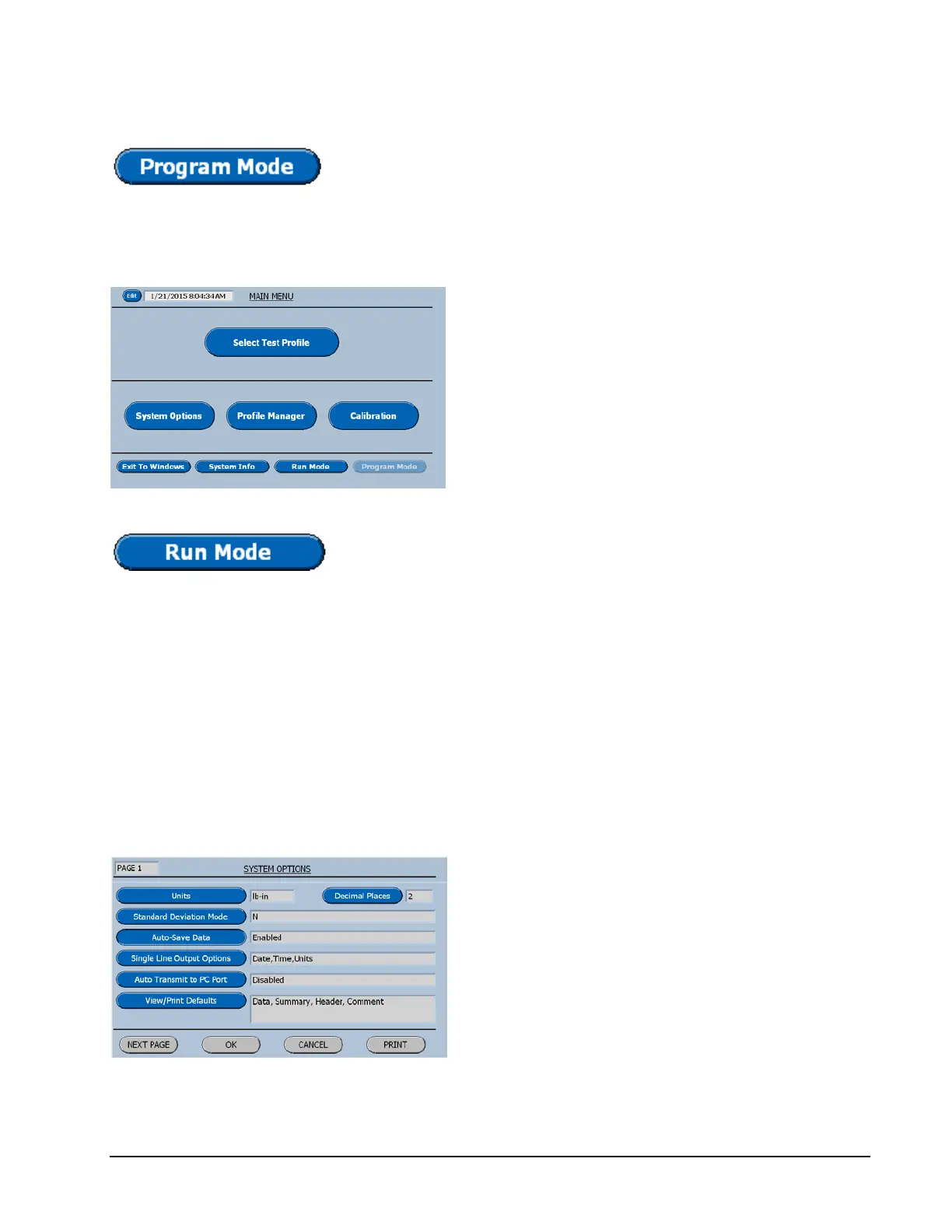
Touching Program Mode Button will toggle the selection
from the Run Mode to the Program Mode.
Program Mode (Main Menu)
In the program mode all the software features
in the system are available to the user for
creating and editing test profiles and selecting
the options that best suit the application. Both
calibration verifications and user calibrations
can be initiated here. Each button on this menu
will be the title of a chapter in this manual.
Touching the Run Mode Button will toggle the selection
back to the Run Mode.
Password Protecting the System
The following procedure will provide for locking the system
in the Run Mode and graying out the Program Mode Button.
On the Main Menu select Program Mode.
On page 1 of the System Options menu select
Next Page.
Now on page 2 of the System Options menu,
select Password.



 To Next Page