User Guide Ver. 7.1.0 2100 Cap Inspector Modes of Operation • 27
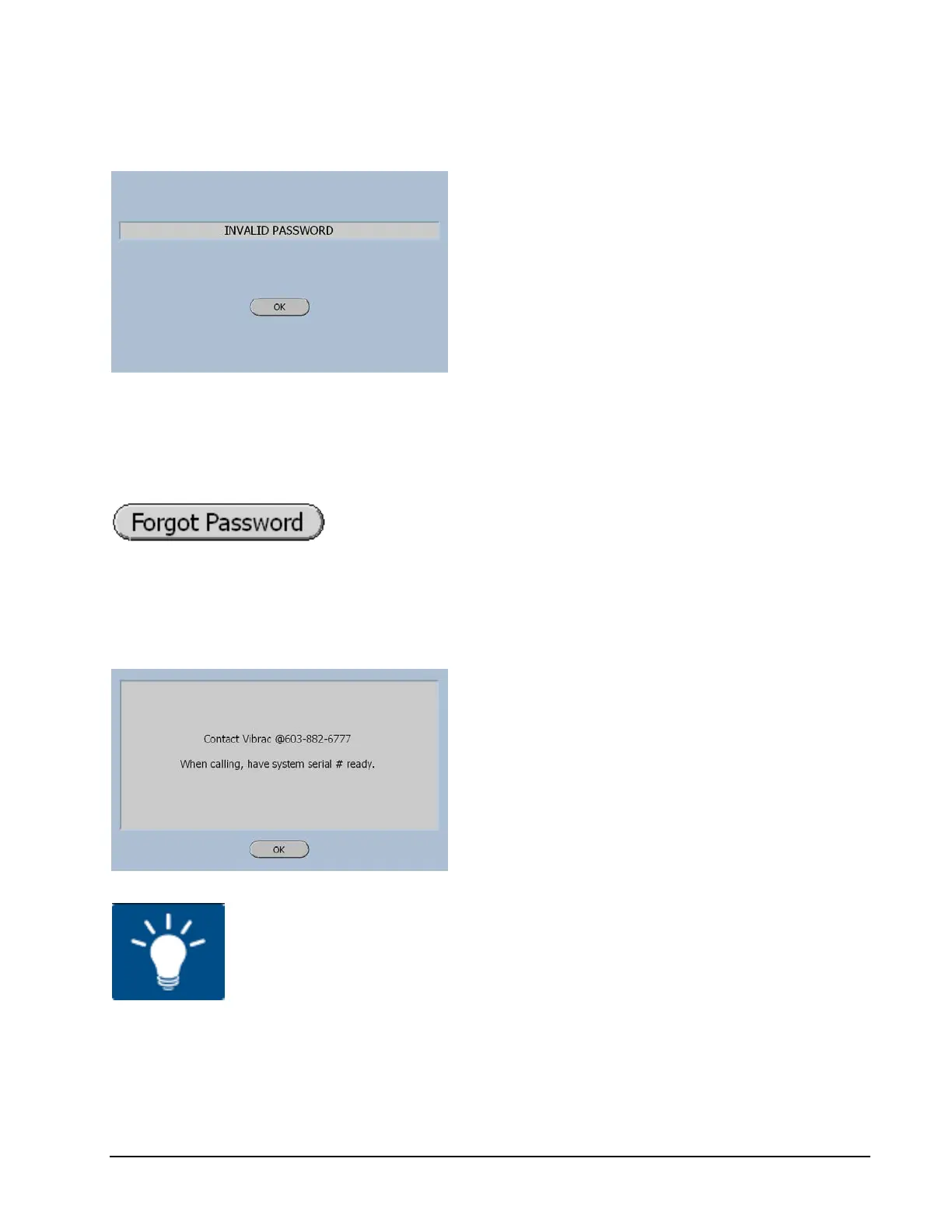
Invalid Password Screen
The Invalid Password Screen will be displayed
when an Invalid Password is entered. The OK
Button will return the software to the Enter
Password Screen wear the Forget Password
Button can be selected.
Forgot Password
The following screen will be displayed when this Button is
pressed.
Contact Vibrac
The contact person at Vibrac will first ask for
the serial number of the system.
This is necessary to provide the proper code to
correct the problem.
Have you recorded the password in a safe place?



 To Next Page