28 • Profile Manager User Guide Ver. 7.1.0 2100 Cap Inspector
Profile Manager
What's Inside
This chapter contains a description of the programming
features that can be used to create a Profile for a specific test
type and the menus that are used in the process.
Profile Manager Button
Touching this button accesses the profile manager screen.
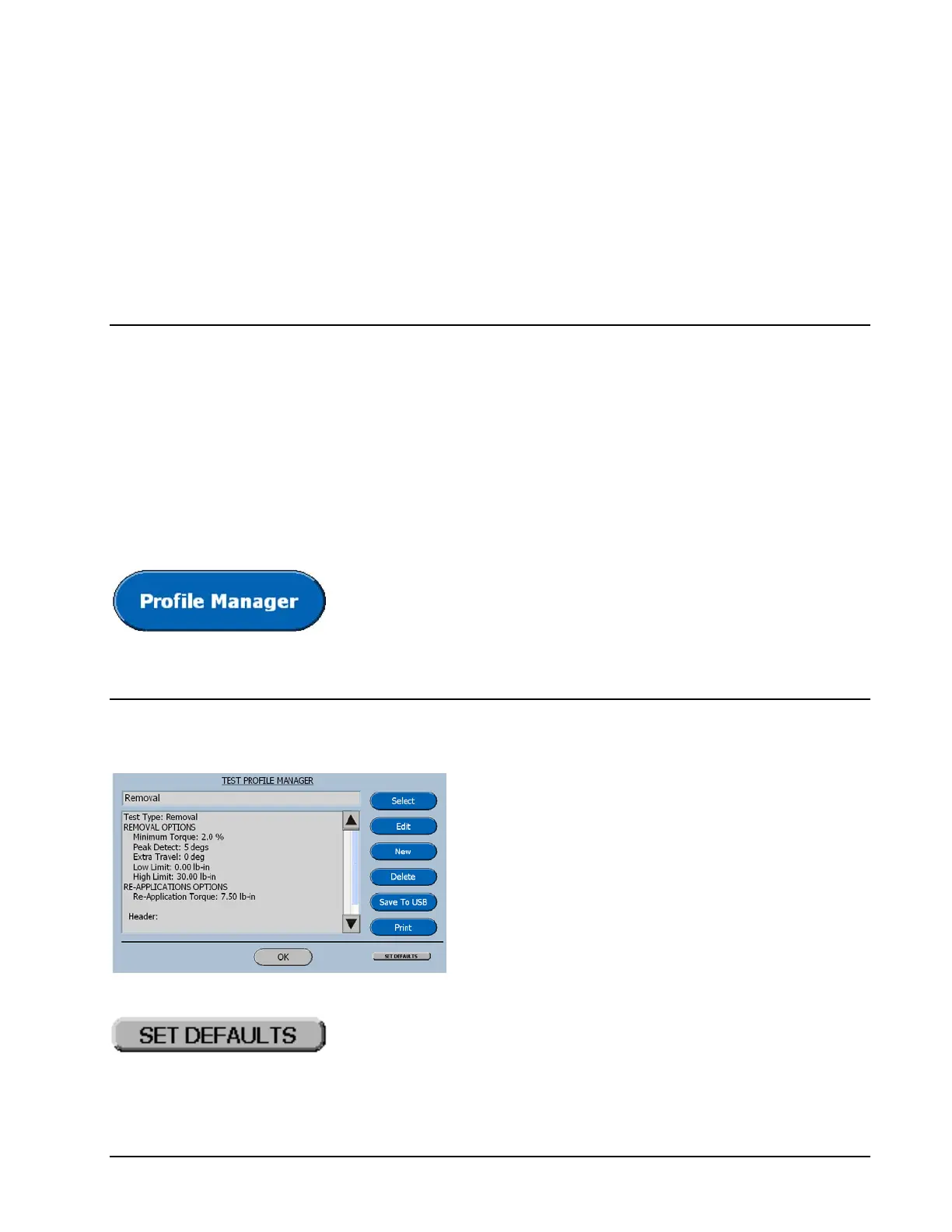
Test Profile Manager Screen
The Test Profile Manager screen displays the
features of the currently selected test. The
buttons on the right side of screen are used to
create additional tests, edit the selected test,
save tests to a USB drive and print the test
profiles.
This button will return all the features of the current profile
to their factory default value.



 To Next Page