User Guide Ver. 7.1.0 2100 Cap Inspector Modes of Operation • 25
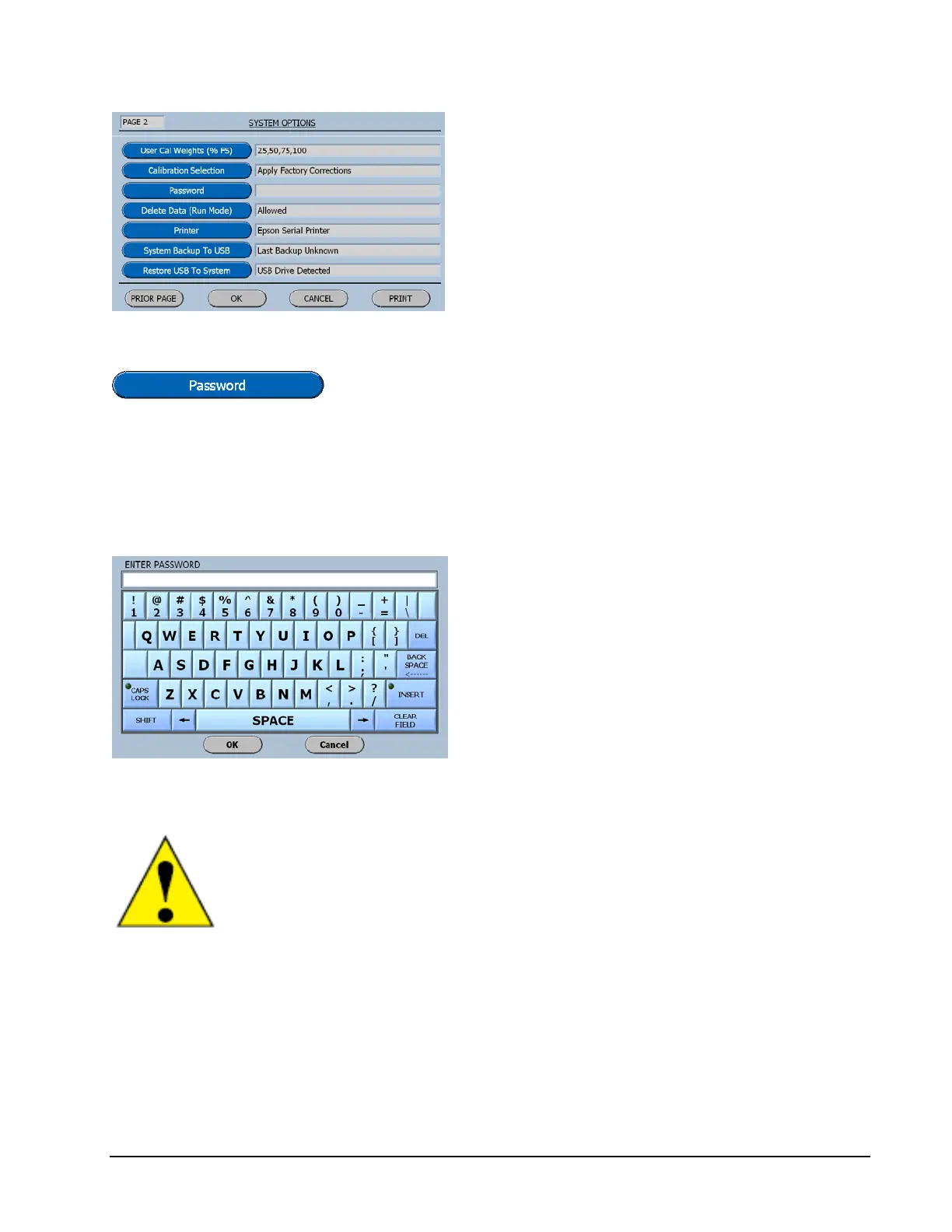
The Password Button will display the input screen for
creating a password.
Enter Password Menu
Carefully key in the password just as you
intend to remember it.
Once entered here and accepted with the OK
Button, the user will be required to enter it
when attempting to enter the program mode.
Once a password has been entered the user cannot enter the
program mode without entering the password again.
The Password is case sensitive and must be entered precisely
as it was first entered!
RECORD THE PASSWORD IN A SAFE PLACE!



 To Next Page