76 • Quick Start User Guide Ver. 7.1.0 2100 Cap Inspector
Quick Start
What’s Inside
This chapter contains a step-by-step procedure for creating a
new profile; with an appropriate name that will measure the
removal torque, re-apply the cap and compare the
measurements with the programmed pass fail limits when
the test is performed.
Creating a New Profile
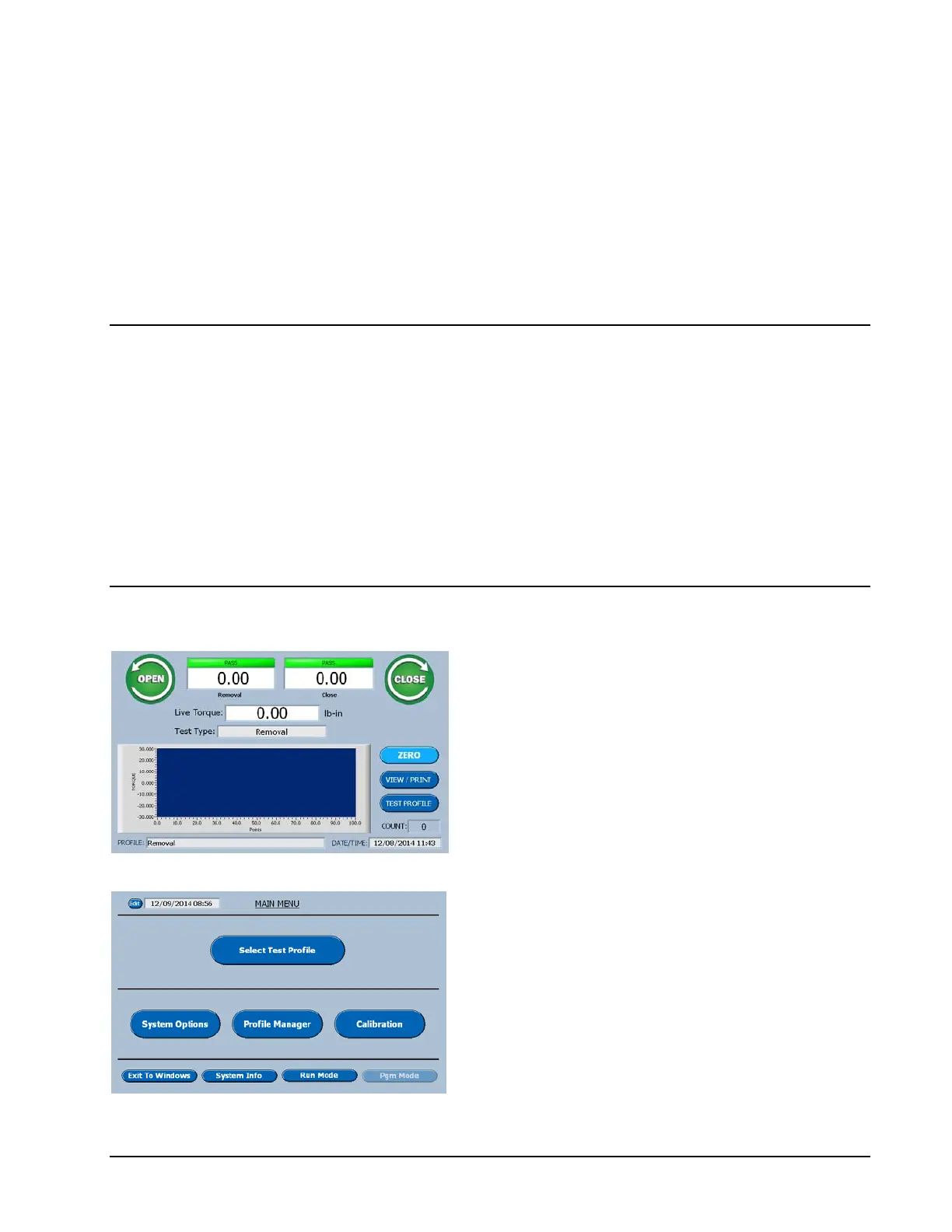
On the Run Screen select Test Profile.
On the Main Menu select Profile Manager.



 To Next Page