User Guide Ver. 7.1.0 2100 Cap Inspector Modes of Operation • 23
Modes of Operation
What’s Inside
This chapter describes the functionality of the Run Mode
and the Program Mode as well as how to limit access to the
program mode with a password.
Selecting a Mode
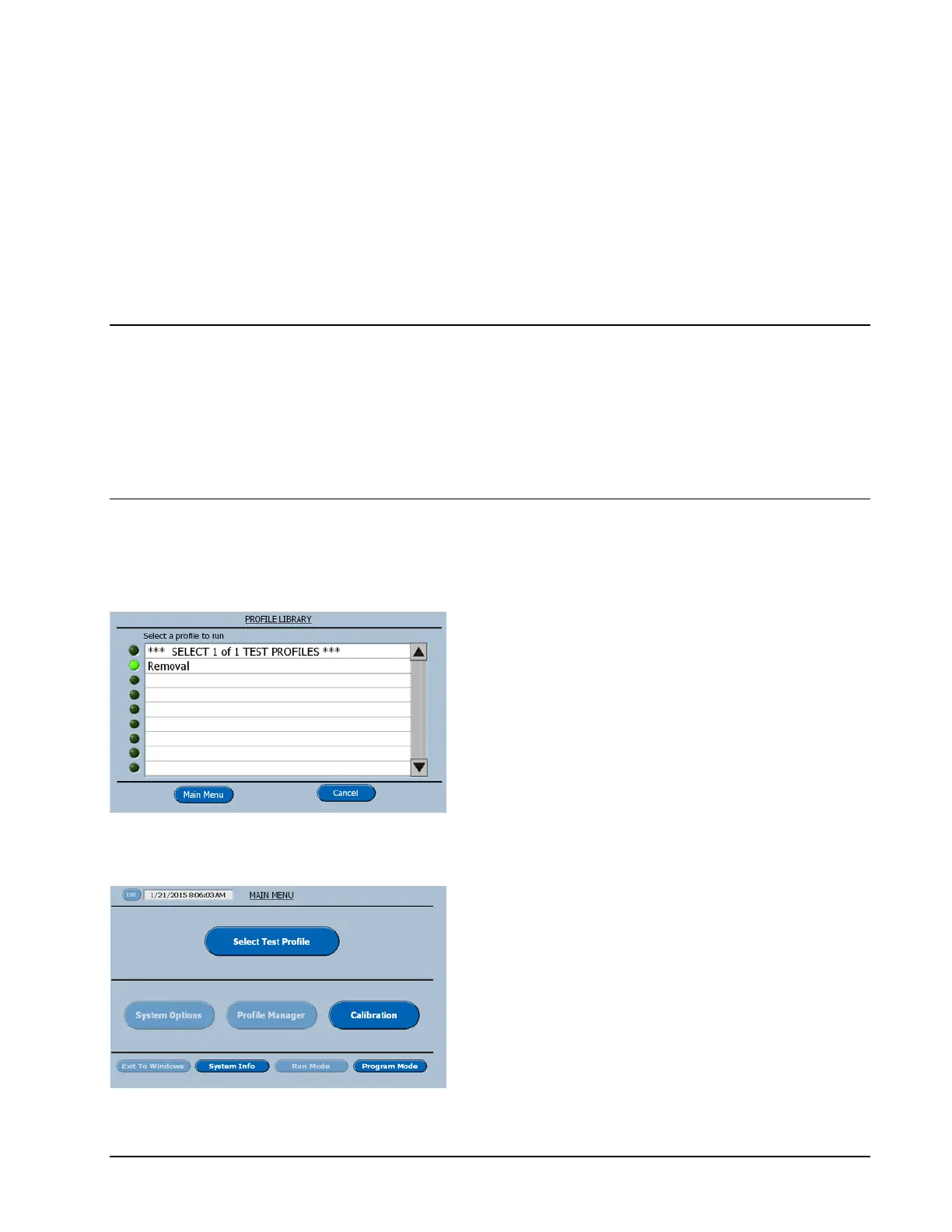
Profile Library
The Profile Library is displayed at power up
for the selection of the profile to be executed
or the selection of the main menu for accessing
other system features. When the main menu is
selected here, the following screen will be
displayed.
Run Mode (Main Menu)
On power up, the software is defaulted to the
Run Mode, when the Main Menu Button is
selected.
A grayed out or dimmed button is either the
Selected Mode or a feature that cannot be
selected in the current mode.



 To Next Page