Version 16.10 AF-6600 AF-5000 Series Install Manual 114
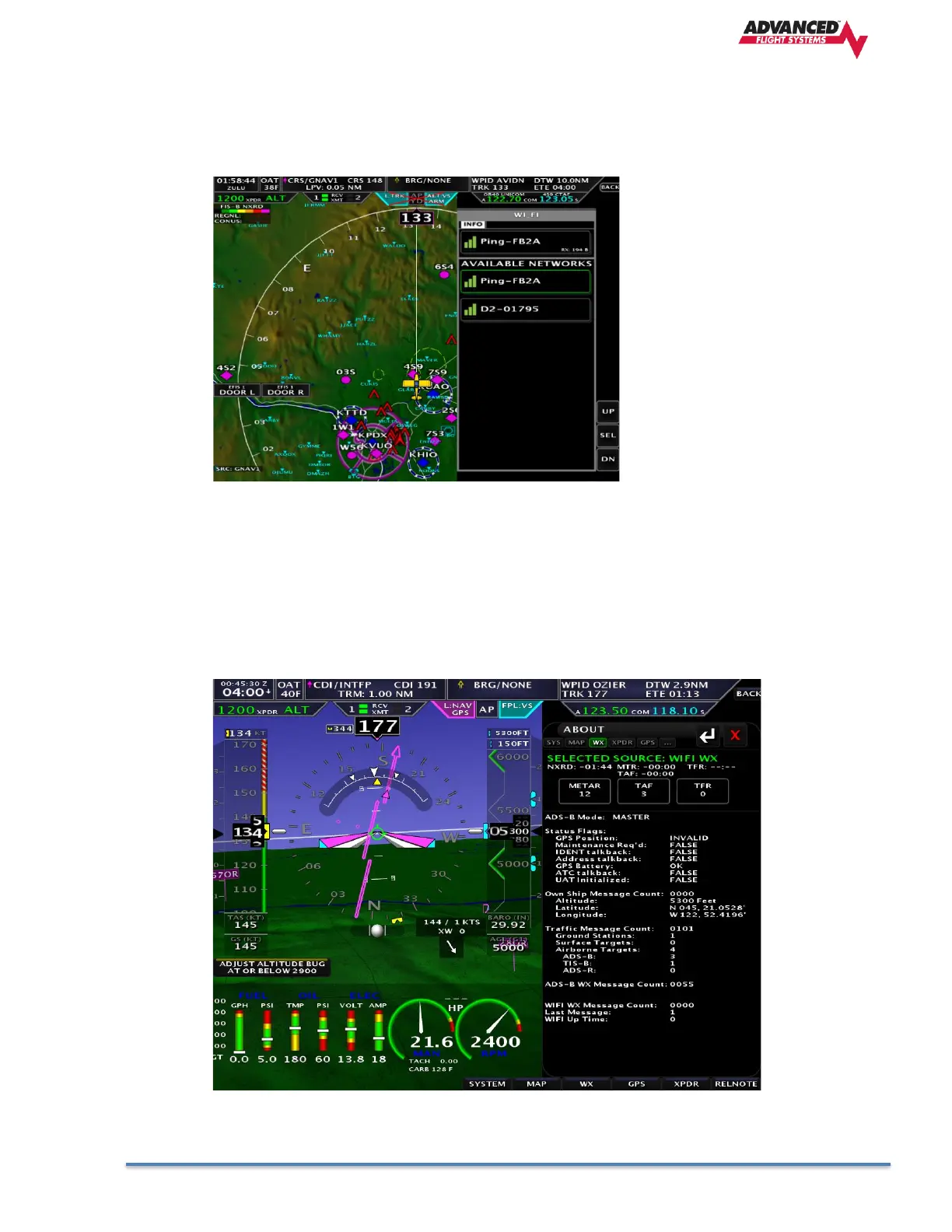
Selecting a Wi-Fi ADS-B receiver or Wi-Fi Hotspot
You can select the Wi-Fi network to connect to from the SET > WiFi button. Once you select the network the
EFIS will ask for the password. You will need to get the password from the network administrator or device
manual.
Testing Wi-Fi ADS-B data
You can verify that the Wi-Fi ADS-B unit is working from the: CHECK > ABOUT > WX button
The ADS-B WX Message Count will count if the ADS-B receiver is getting weather data from a ground
station, in most areas you will need to be airborne to get data.
The Last Message count is reset every time the EFIS gets data from the Wi-Fi network and should be
a small number if it is working.



 To Next Page