Version 16.10 AF-6600 AF-5000 Series Install Manual 251
VPX Interface Configuration
Serial Port Connection
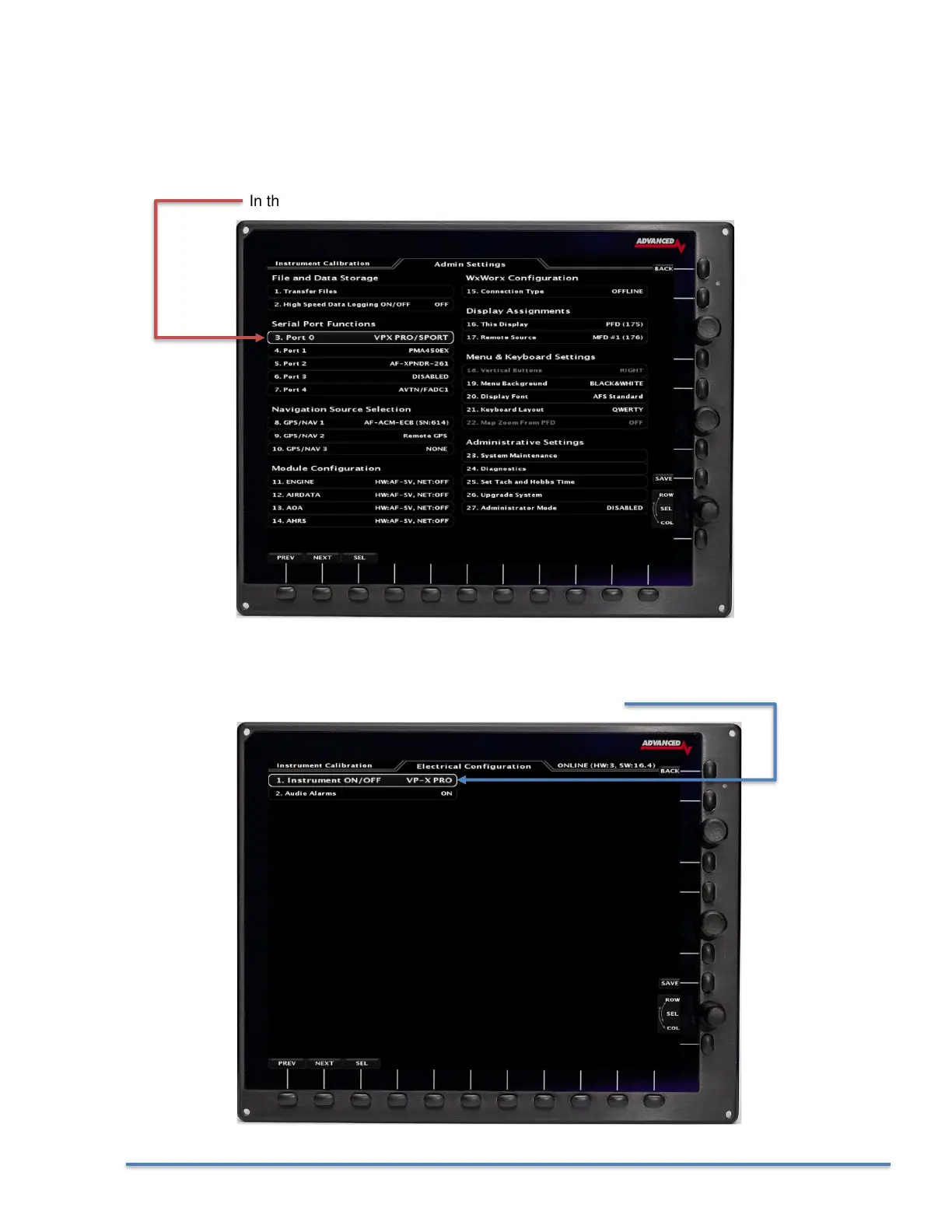
The VPX System can be wired to any available EFIS RS-232 Serial Port. Once you have connected the
VPX serial port to an EFIS serial port you need to set the EFIS serial port function to VPX from the EFIS
Admin Settings Menu.
In this example we have configured serial port #0 for the VPX device.
VPX Configuration
You then need to set the VPX type in the Electrical Configuration menu.



 To Next Page