Version 16.10 AF-6600 AF-5000 Series Install Manual 37
Audio Connections
If two EFIS units are being installed, the audio from only 1 screen should be connected. All alerts are passed
through the Ethernet network.
The harness is wired for a 560-ohm audio output that allows you to match the output impedance of the
system to standard aircraft audio panel and intercom audio devices. If your radio or audio panel does not
have an unswitched audio input you will need to purchase a audio mixer. Do not attempt to connect the
EFIS audio to a music input on an intercom, they are not the same impedance, and it will not be loud
enough. Do not attempt to connect the EFIS audio along with a com radio to the same intercom input.
We recommend the following audio mixer if you do not have an audio panel:
http://www.fdatasystems.com/AP_60.htm
For wiring information see APPENDIX M:
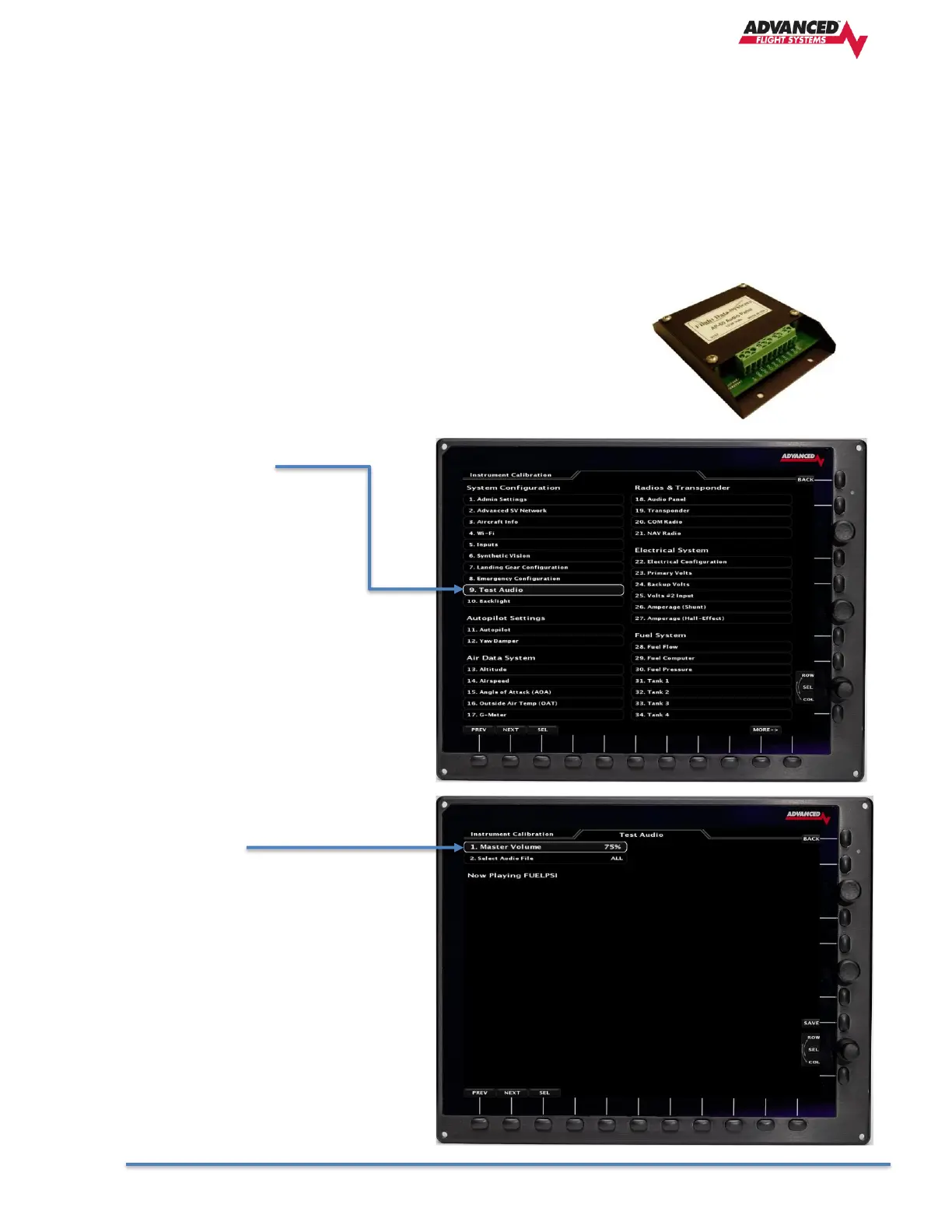
Test EFIS Audio Menu
1. Master Volume
The volume can be adjusted from
(0%-100%) and is adjusted using the knob
followed by pressing the [SAVE] button.
The Test Audio menu will play all the sounds
in the system.



 To Next Page