Version 16.10 AF-6600 AF-5000 Series Install Manual 163
EFIS Setup and Configuration
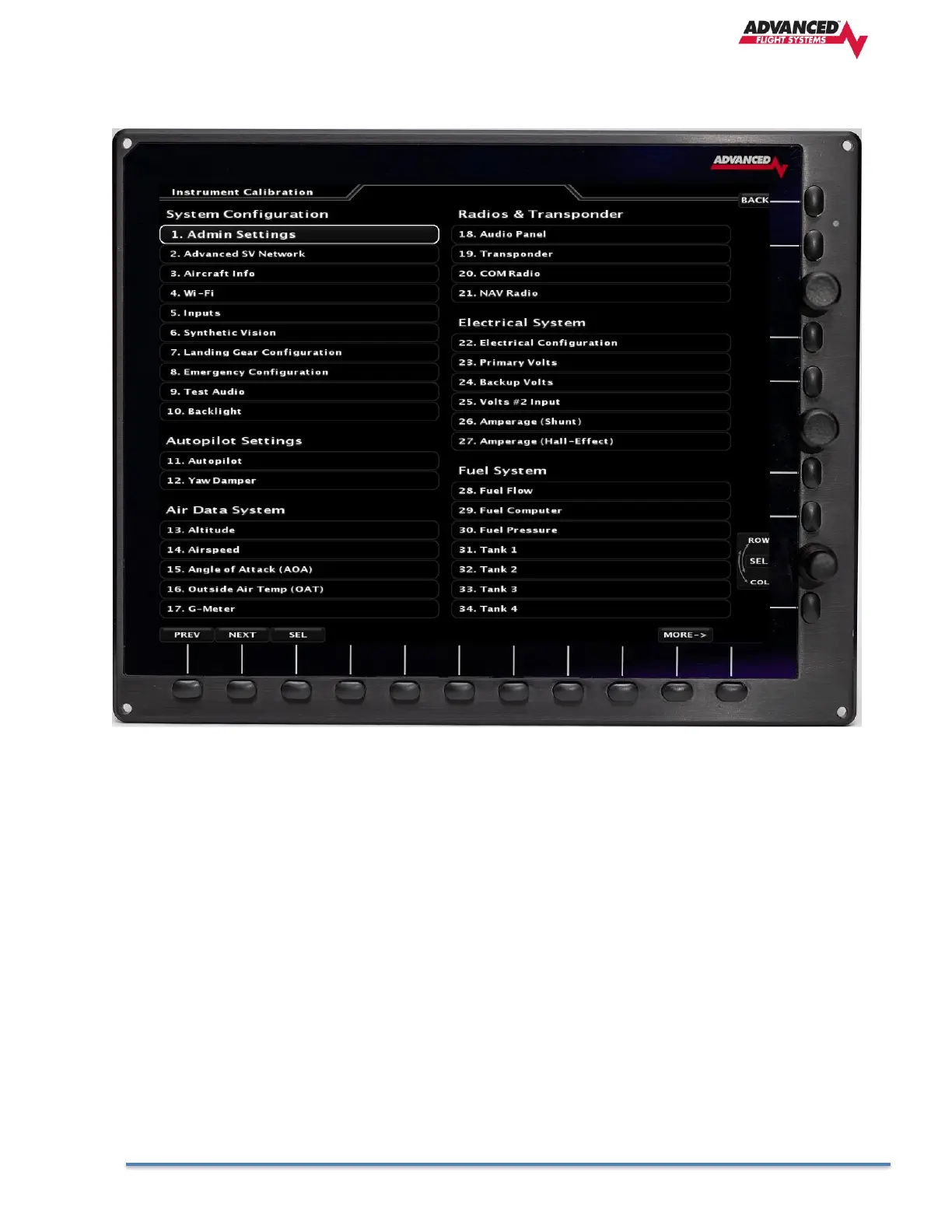
All the EFIS configuration and setup is done from the Instrument Calibration menu. From the normal EFIS
run menu you press [SET] -> [CAL] and Hold for 2 seconds to enter the Instrument Calibration mode. A list of
menu pages and instruments will appear. Use the lower right knob to scroll through the list. There are
multiple pages of instruments.
To select an item press the lower knob in while the cursor is on the desired menu item.
To exit the Instrument Calibration menu or a subpage press the [BACK] button to return to the previous
page.



 To Next Page