Version 16.10 AF-6600 AF-5000 Series Install Manual 170
Navigational Source Selection
The AF-6600 / AF-5000 EFIS supports up to 3 external navigational sources plus the internal flight plan. The EFIS CDI
and flight plan are driven by selecting one of the 3 Nav sources or internal flight plan. The most common installations
only have 2 external navigational sources. A GPS/NAV source can be any of the following:
GNAV GPS Navigator (Avidyne IFD or Garmin GTN) has both a GPS and a NAV (VOR, ILS) Radio
GPS GPS Only (Dynon GPS-250, GPS-2020, Garmin 696, ……)
NAV NAV Radio (Garmin SL30, GNC255, ……)
A GNAV source always points to an ARINC-429 interface module (Dynon SV-ARINC-429 or Advanced Control Module).
The GPS/NAV 1, GPS/NAV 2, GPS/NAV 3 data sources for all AF-6600 / AF-5000 EFIS screens in the aircraft must
point to the same navigational device. If the navigational device is connected to an EFIS serial port the actual
GPS/NAV setting will be different between EFIS screens, but will point to the same device. If you have a GPS Navigator
it should always be configured as the GPS/NAV1 data source.
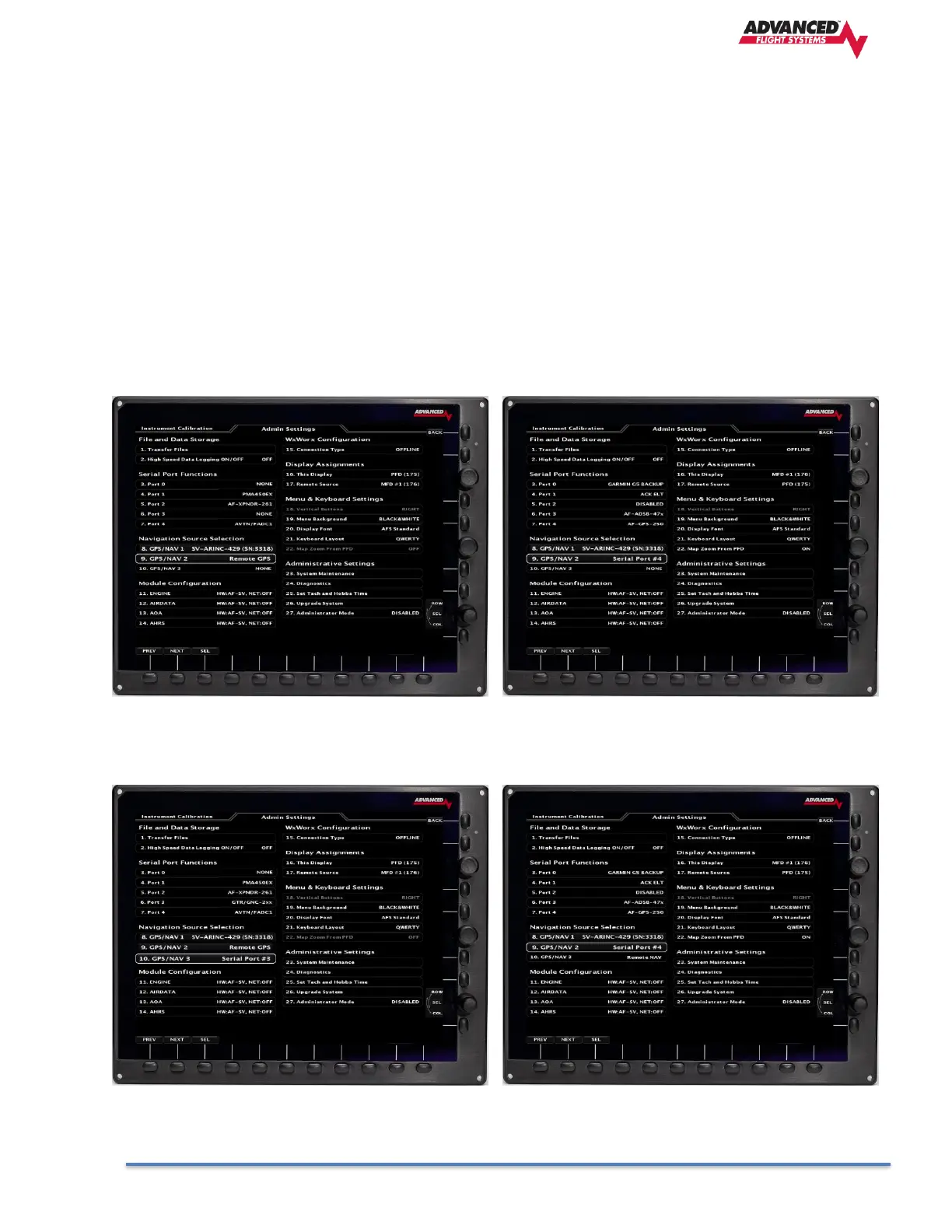
Example Settings
AF-6600 PFD, AF-6600 MFD, Avidyne IFD, Dynon GPS-250 wired to the MFD serial port #4
AF-6600 PFD, AF-6600 MFD, Avidyne IFD, GNC255 Wired to PFD Serial port #3, Dynon GPS-250 wired to the MFD serial port #4



 To Next Page