Version 16.10 AF-6600 AF-5000 Series Install Manual 13
Ethernet
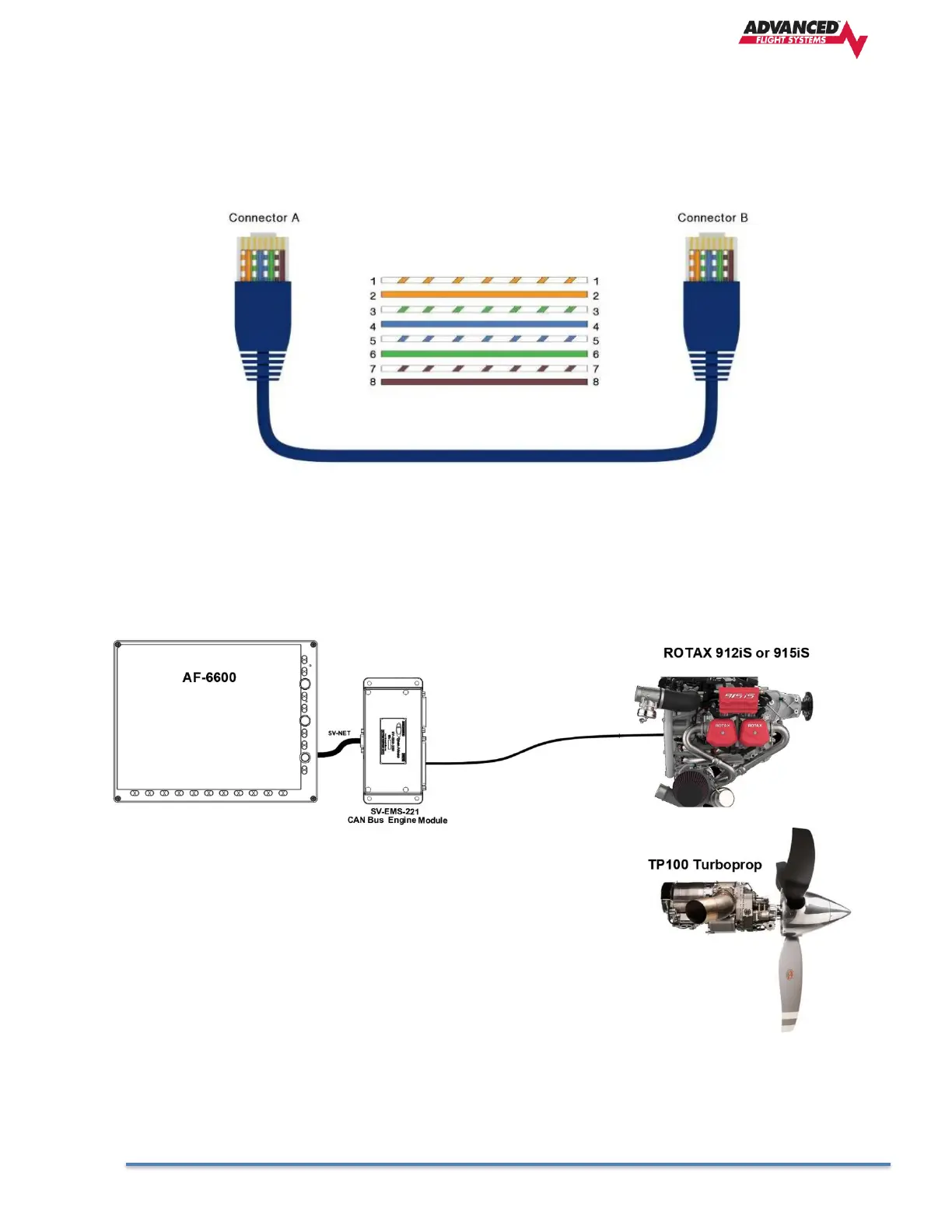
The AF-6600 / AF-5000 EFIS screens have an 8 Pin RJ45 female Ethernet connector. The Ethernet network is used to
share high speed data between the EFIS screens and to also get data from the optional XM weather module. The EFIS
is designed to use a standard non-crossover Ethernet cable. If you only have two EFIS screens in the aircraft panel you
can use a single Ethernet cable to connect the screens together. If you have a three EFIS screen panel or have the XM
Weather module you will need to use an Ethernet Switch/Hub.
CAN Bus
The Controller Area Network (CAN bus) is designed to allow devices to communicate over a twisted pair of 120 ohm
wires. The Dynon SV-EMS-221 engine module is designed to interface the AF-6600 / AF-5000 EFIS to an engine
FADEC controller that uses a CAN bus interface.



 To Next Page