Analog Duplex System
Subject to Export Control, see Cover Page for details.
8-40
[View Log File] Soft Key
Displays list of Data Log Files. Data Log Files include date and time of test, the Sinad reading
and Power Level readings at each recorded interval (refer to Fig. 8-33). The [View Log] Soft Key
is accessed by pressing the [View Post Data] Soft Key
after data logging has stopped. [Scroll
Up] and [Scroll Down] Soft Keys navigate through the data log when Mouse option is not being
used.
Fig. 8-33 Logged Data File
[Plot Log File] Soft Key
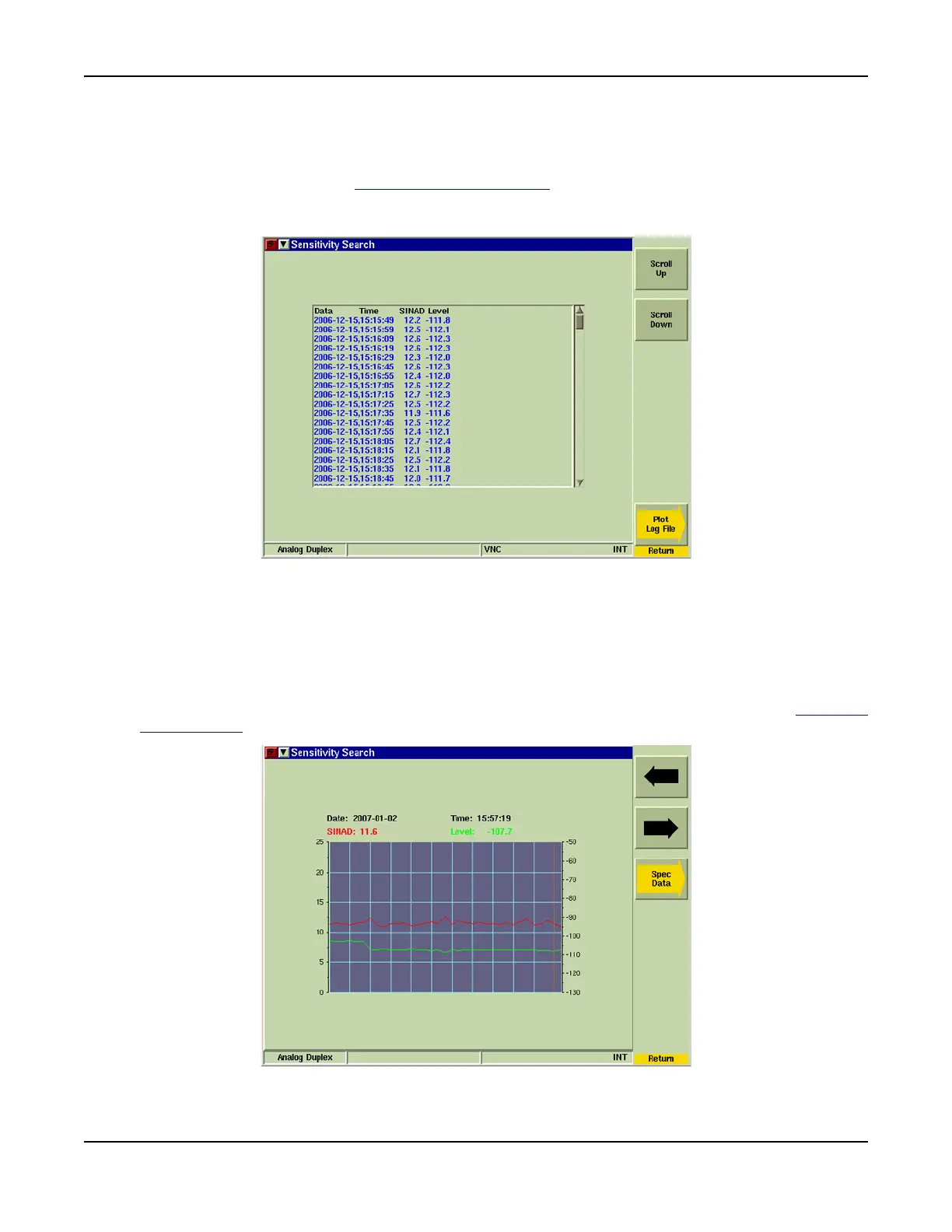
Displays logged data on a graph plot (refer to Fig. 8-34). Directional arrow soft keys allow user
to navigate to points along the acquired signal.
[Spec Data] Soft Key
Displays logged data on a Spectrum Analyzer plot. Directional arrow soft keys allow user to
navigate to points along the acquired signal. This soft key is accessed by pressing the [Plot Log
File] Soft Key when logging has stopped.
Fig. 8-34 Logged Data - Plot Log Soft Key Sub-menu













 To Next Page