S331L UG PN: 10580-00321 Rev. M 8-17
File Management 8-7 Copy and Paste File
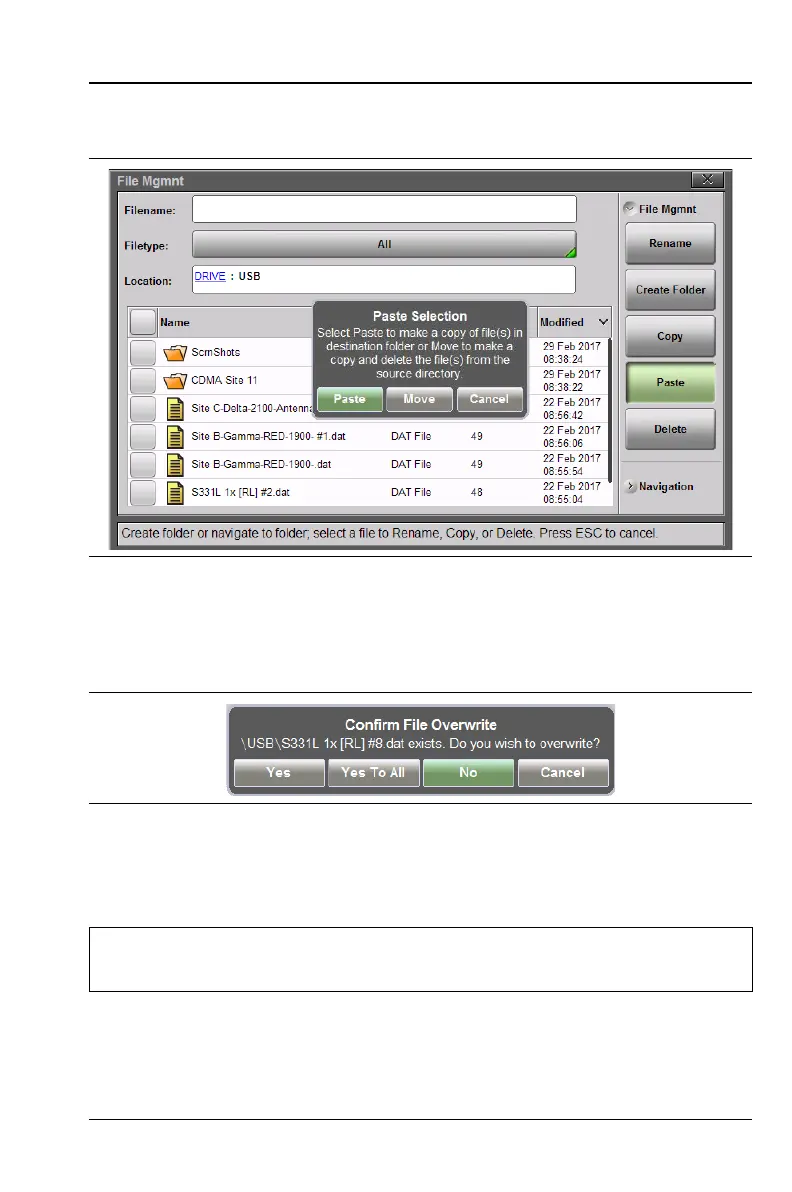
destination folder. Move will place copies in the destination folder
and remove the selected files from the source location.
9. If files with the same name already exist in the destination folder,
a confirmation dialog will display, prompting you to select
whether to overwrite some or all of the files.
10. After pasting is completed, the USB drive can be removed. No
Eject command is required to remove the drive.
Figure 8-20. Paste File
Figure 8-21. File Overwrite Confirmation
Note
Files are removed from Site Master clipboard memory after
pasting. The Site Master does not allow concurrent pasting.













 To Next Page