126 BD FACSAria User’s Guide
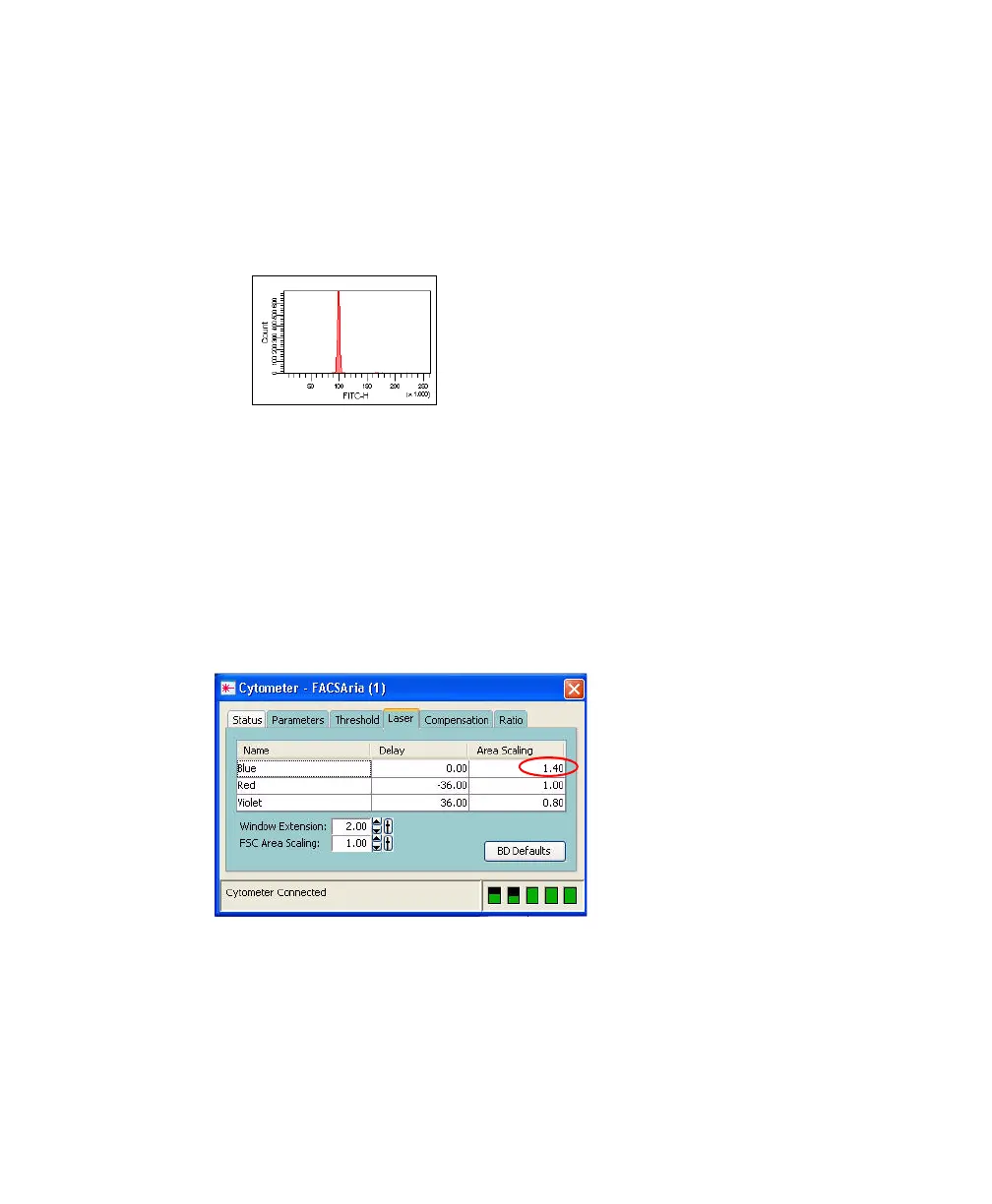
8 Adjust the FITC voltage to place the FITC-H signal at approximately 100 x
10
3
.
a Click the Parameters tab in the Cytometer window.
b Select the FITC voltage field and adjust the voltage.
9 Adjust the blue laser area scaling until the FITC-A signal matches the
FITC-H signal, if needed.
The blue laser area scaling can be adjusted using any parameter excited by
the blue laser.
a Click the Laser tab in the Cytometer window.
b Adjust the area scaling factor for the blue laser.
• If the FITC-A signal is lower than FITC-H, increase area scaling.
• If the FITC-A signal is higher than FITC-H, decrease area scaling.



 To Next Page