130 BD FACSAria User’s Guide
Recording QC Data
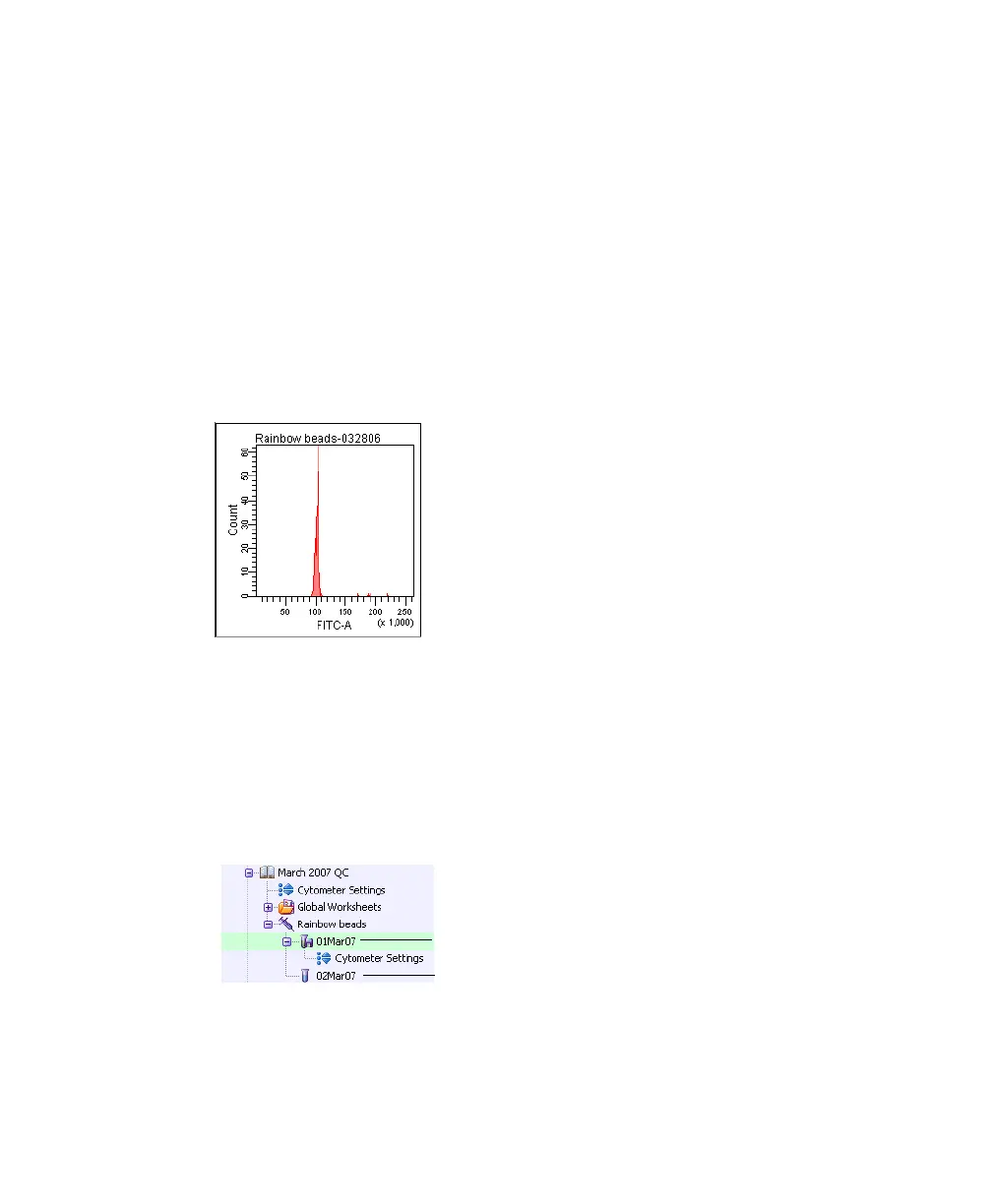
The QC experiment template includes Browser elements, as well as plots and
instrument settings. The first time you use the QC experiment template, adjust
the settings by placing the signals for each parameter to channel 100,000. The
instrument settings you establish will be used for subsequent QC runs.
1 Display the QC worksheet by clicking the QC tab in the Worksheet
window.
2 Adjust the PMT voltage for each parameter to set the signal to
approximately 100 x 10
3
.
3 Set the Flow Rate to 1.0 in the Dashboard.
4 Ensure that the current tube pointer is still set to the first tube, and then
click Record Data.
Once the tube has finished recording, the tube icon changes to a tube with a
disk. Also, the tube will now have cytometer settings associated with it.
5 After data has been recorded, click Unload in the Dashboard and remove
the tube.
tube with data
tube without data



 To Next Page