Chapter 4: Running Samples 129
e Reset the window extension to the appropriate setting (typically 2).
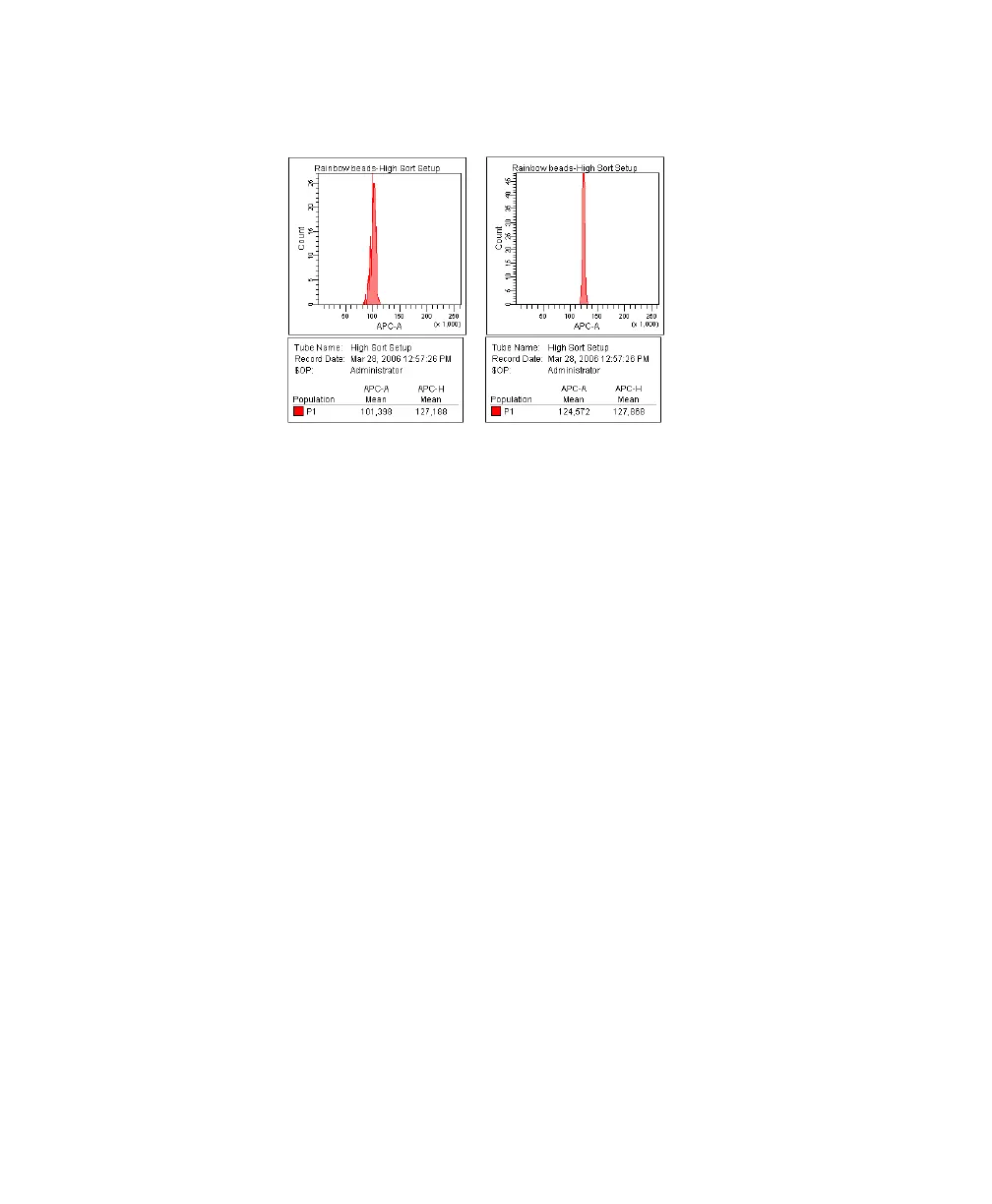
3 Adjust the red laser area scaling until the APC-A signal matches the APC-H
signal, if needed.
Click the Laser tab in the Cytometer window.
• Increase the area scaling factor if the APC-A signal is lower than
APC-H.
• Decrease the area scaling factor if the APC-A signal is higher than
APC-H.
4 Repeat steps 1 through 3 to adjust area scaling and laser delay for the violet
laser, using the DAPI parameter instead of APC.
Before Adjustment After Adjustment



 To Next Page