128 BD FACSAria User’s Guide
The Sort Setup enters area scaling and laser delay values from the last time
the Sort Setup was used. For this reason, the settings should be close to the
appropriate values. You are simply confirming that the values are correct as
part of your QC. If adjustments are needed, they should be slight. The
delay is properly adjusted when the fluorescent signal intensity is at its
highest.
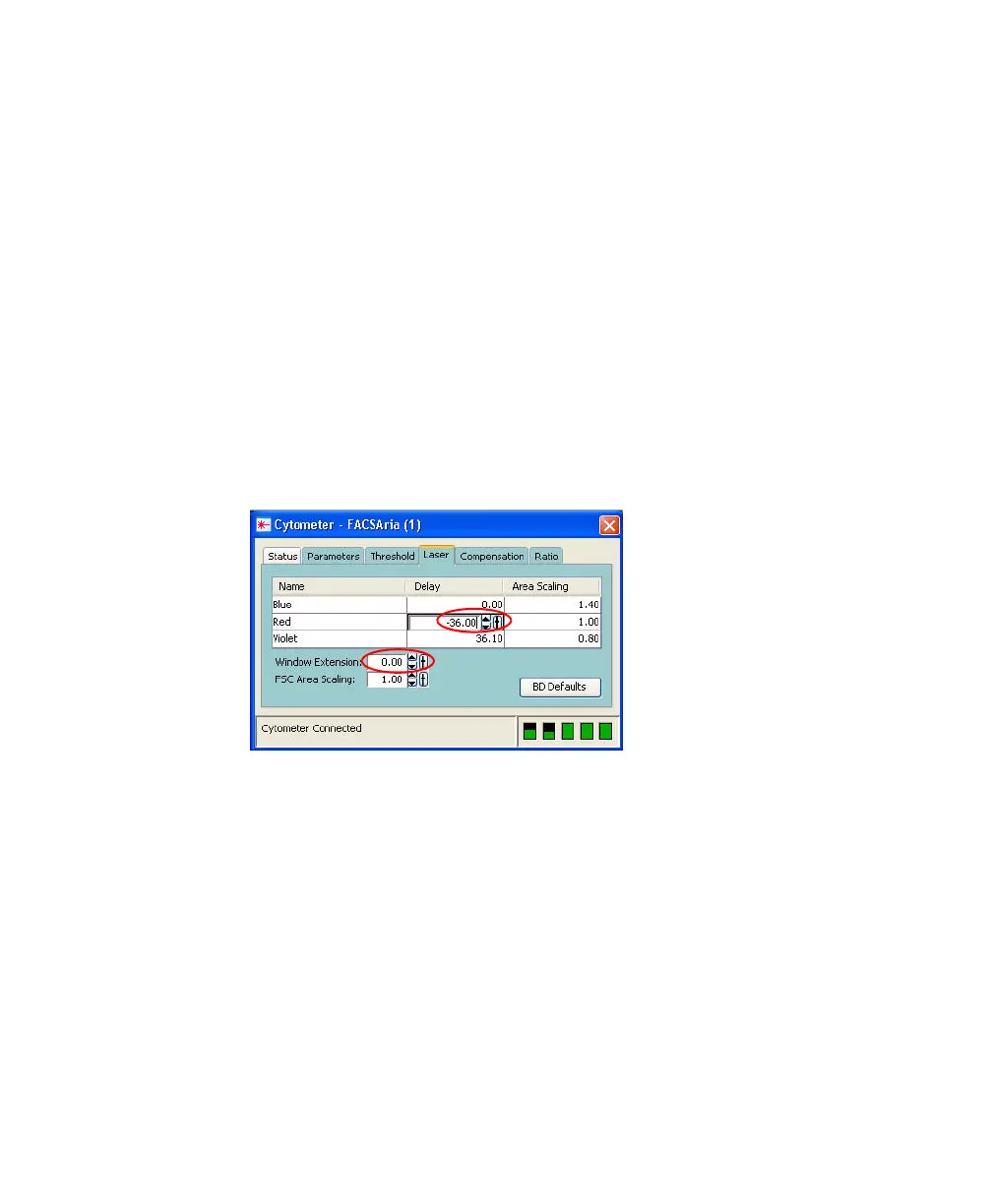
a Select the Laser tab in the Cytometer window.
b Change the window extension to 0.
• If the APC-A signal stayed the same, then go to step e.
• If the APC-A signal decreased, then follow steps c through e.
c Click in the Delay field for the red laser.
d Adjust the laser delay value until the maximum APC-A signal is
achieved.



 To Next Page