Chapter 5: Sorting 167
5 Verify that the current tube pointer is indicating the appropriate tube in the
Browser, then click Sort.
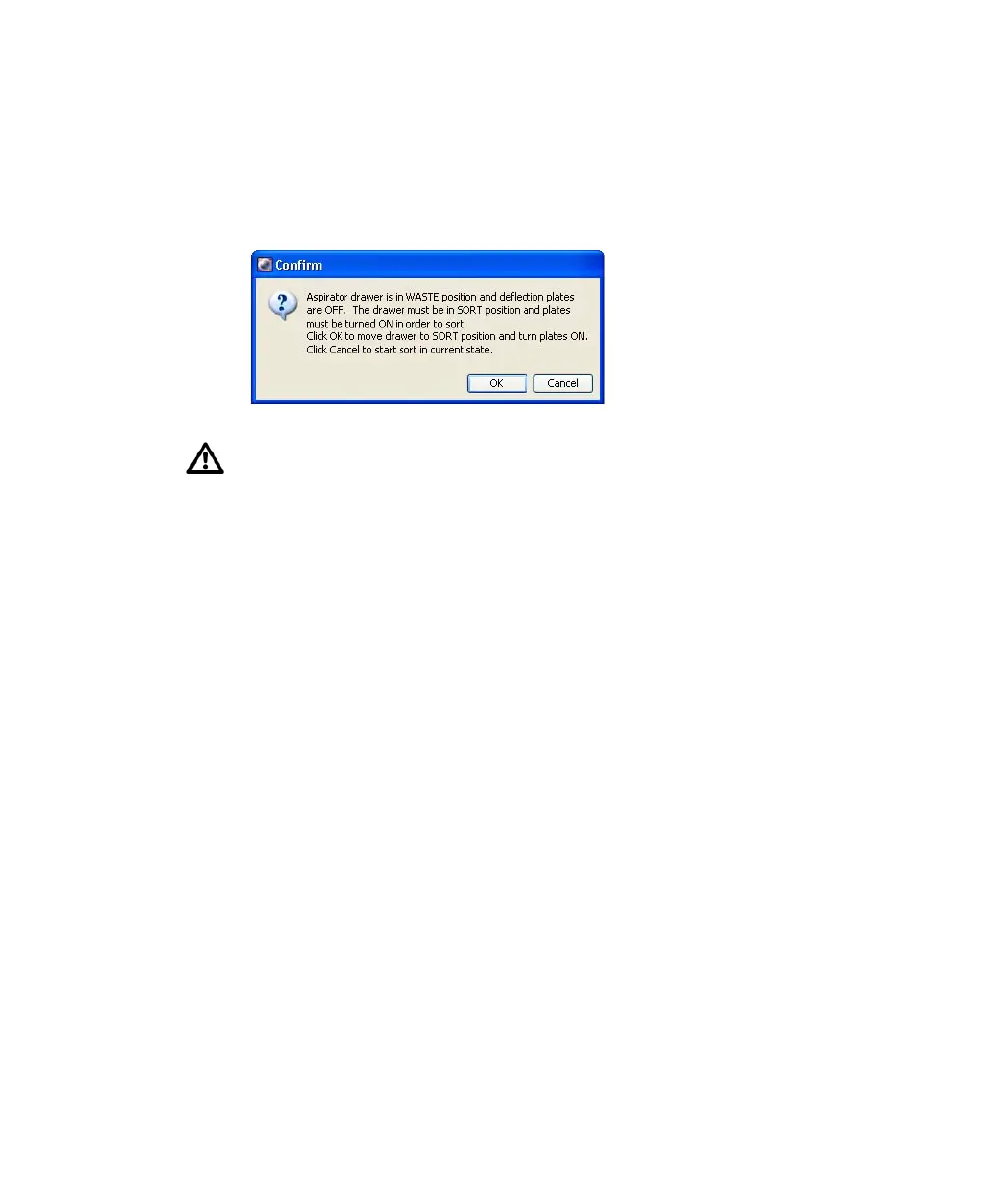
6 Click OK if you are prompted to open the aspirator drawer or turn on the
deflection plates.
Tip Click Record Data to save data for the tube. Acquisition and sorting
continue when the required number of events has been recorded.
Sorting continues until the required number of cells has been sorted.
Acquisition stops and the drawer closes when sorting is complete. If the
number of Target Events is set to Continuous, sorting continues until you
manually stop sorting by clicking the Stop Acquiring button in the
Dashboard, or the Sort button in the Sort Layout window.
Monitor the sort progress from the Sort Layout window. The number of
events sorted into each sort location appears in the corresponding field.
The sort rate and sort conflict rate are displayed in the corresponding
counter fields.
If you click Cancel, sorting will begin with the deflection plates off and the
drawer closed. As a result, sort populations will be identified and counted,
but no deflection (or sorting) will occur. If you sort with the drawer closed,
events will be sorted to waste.



 To Next Page