168 BD FACSAria User’s Guide
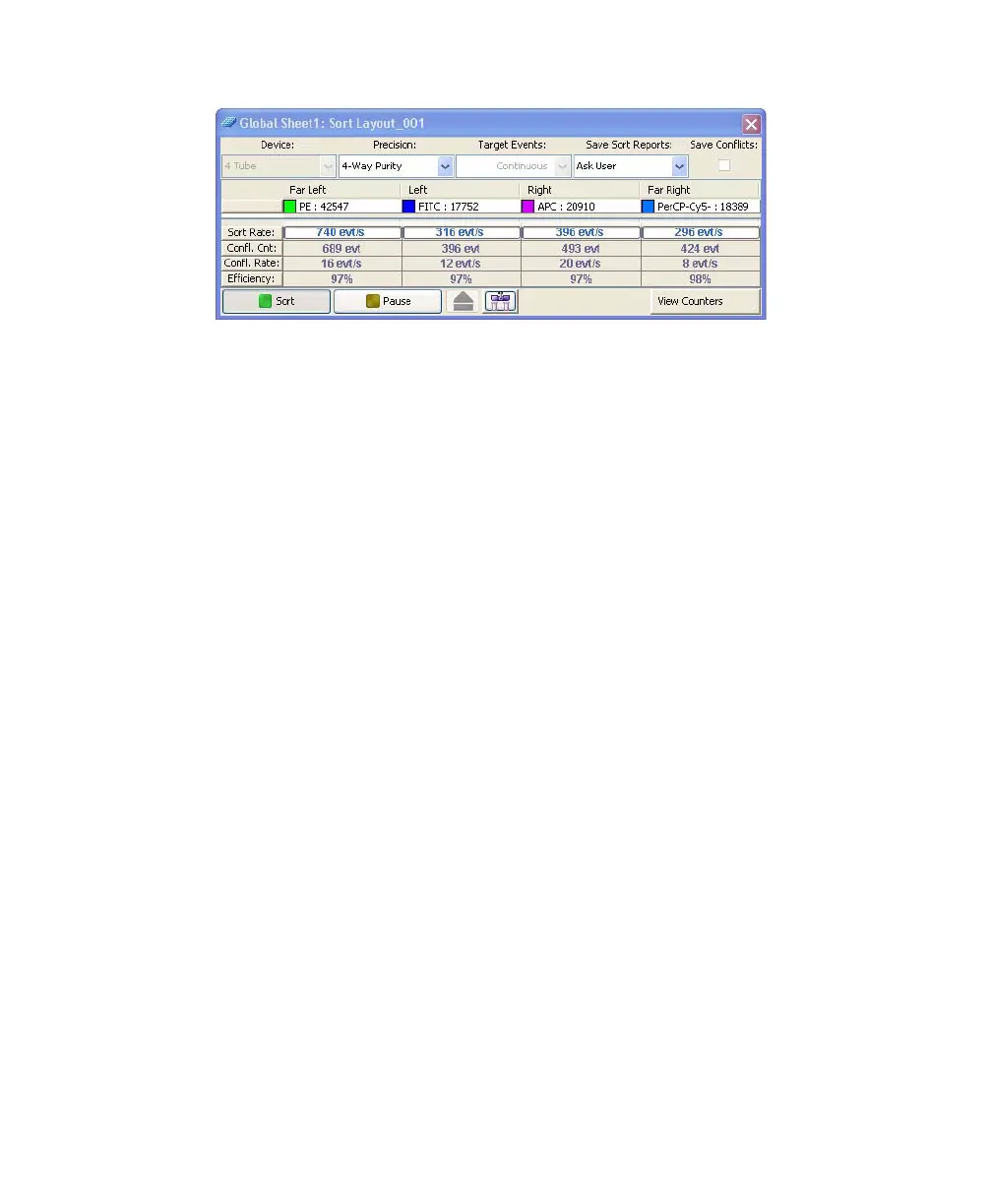
Tip To pause during sorting, click the Pause button. To restart, click the
Resume button. Sort counts are retained when you restart sorting. You can
use this if you need to unload the sample tube during sorting (for example,
to add more sample), and the system will resume the sort count.
Tip When the Sweet Spot is on, sorting pauses automatically if the Drop 1
or Gap values are out of range. This ensures that sorting occurs only under
the proper breakoff conditions. If a more severe problem such as a clog is
detected, the stream shuts off and sorting stops. The deflection plates shut
off, the aspirator drawer closes, and the sample tube is unloaded. To clear a
clogged nozzle, see Cleaning the Nozzle on page 209.
7 (Optional) You can print the Sort Report at this time, or open the report
later and print it then.
Tip You can also export the report.



 To Next Page