204 BD FACSAria User’s Guide
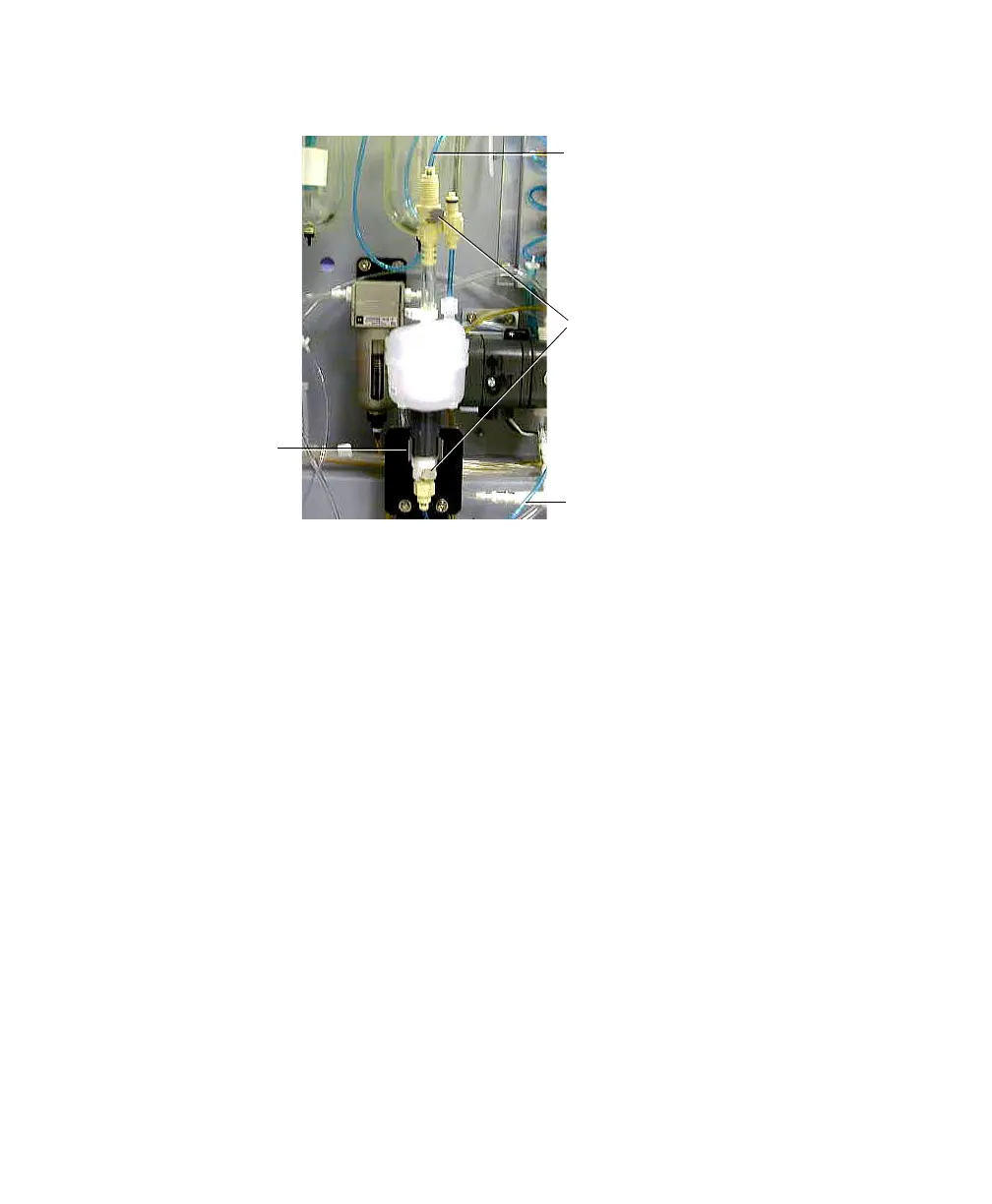
Figure 6-6 Removing the bubble filter
3 Using a paper towel to cover the quick-disconnect coupling, disconnect the
sheath line from the filter inlet coupling at the bottom of the filter
(Figure 6-6).
4 Pull the filter from the metal clip at the base of the filter.
5 Install the new filter.
Snap the filter into the metal clip and connect the quick-disconnect
couplings at the top and bottom of the filter.
6 Set the sheath pressure back to its original setting.
7 In BD FACSDiva software, run fluidics startup.
8 During fluidics startup, gently tap the bubble filter to dislodge air bubbles.
9 Purge the bubble filter as described in Purging the Bubble Filter on
page 214.
quick-disconnect couplings
metal clip
sheath line
sheath line



 To Next Page