Chapter 1: BD FACSAria Cytometer Components 43
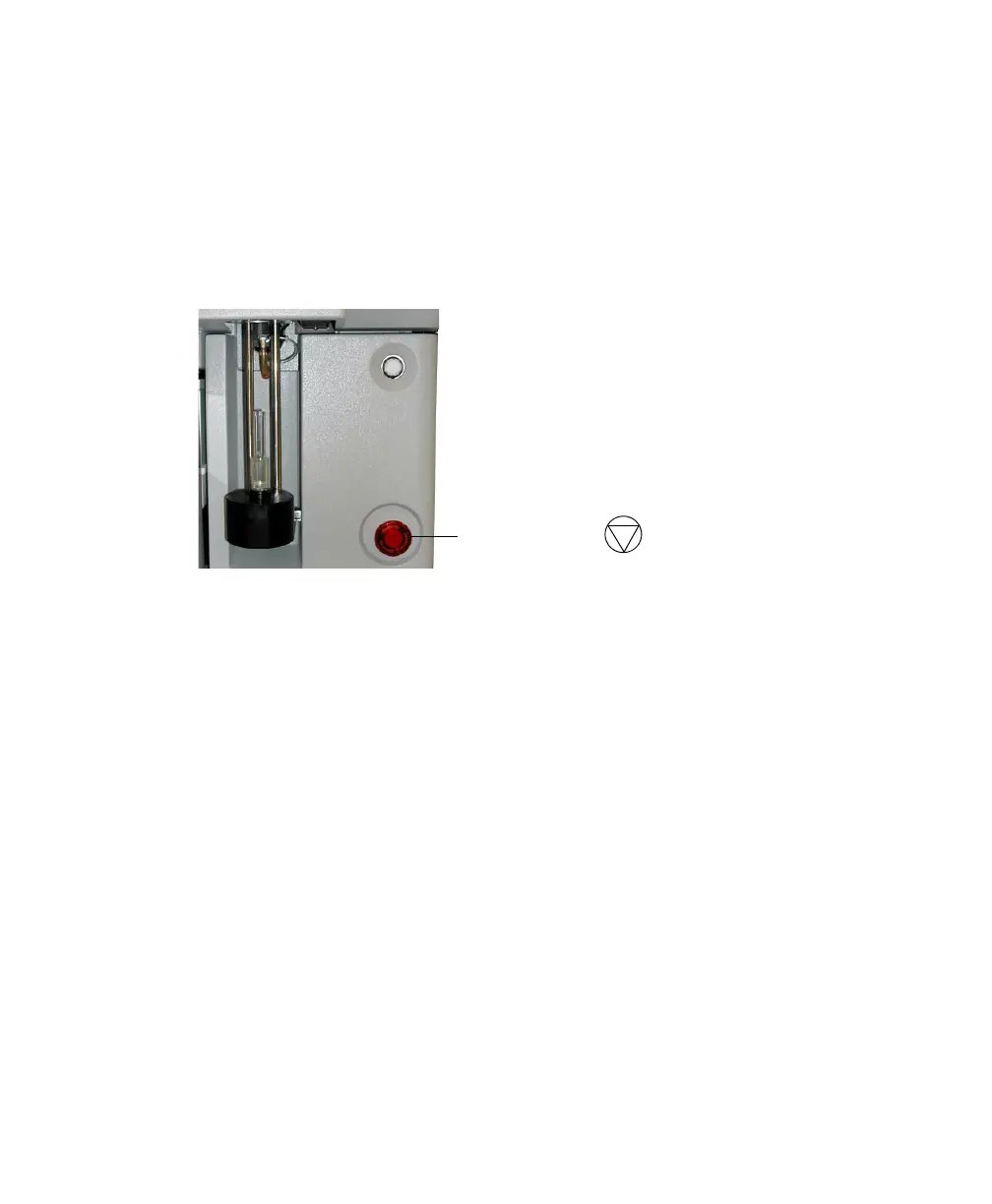
Emergency Stop Button
The emergency stop button to the right of the loading port (Figure 1-19) is a
safety feature that can be used to halt the movement of the loading port and
ACDU stage. The button lights up when a tube is loading to remind you to keep
your hands away from the loading port.
Figure 1-19 Emergency stop button
The following occur when this button is pushed:
• The tube is unloaded from the sample injection chamber.
• The ACDU stage (if in use) stops moving.
• The stream is turned off.
• The deflection plate voltage is turned off.
• The aspirator drawer (if open) closes to protect sort collection tubes.
• A warning message appears on the screen.
Do not reset the button until the message appears. To do so, turn the button
clockwise until the light turns off and the button returns to its original position.
NOTE The emergency stop button does not turn off the lasers or shut down the
cytometer main power.
emergency stop button
!



 To Next Page