68 BD FACSAria User’s Guide
Table 2-2 Side Stream window controls
Control Description
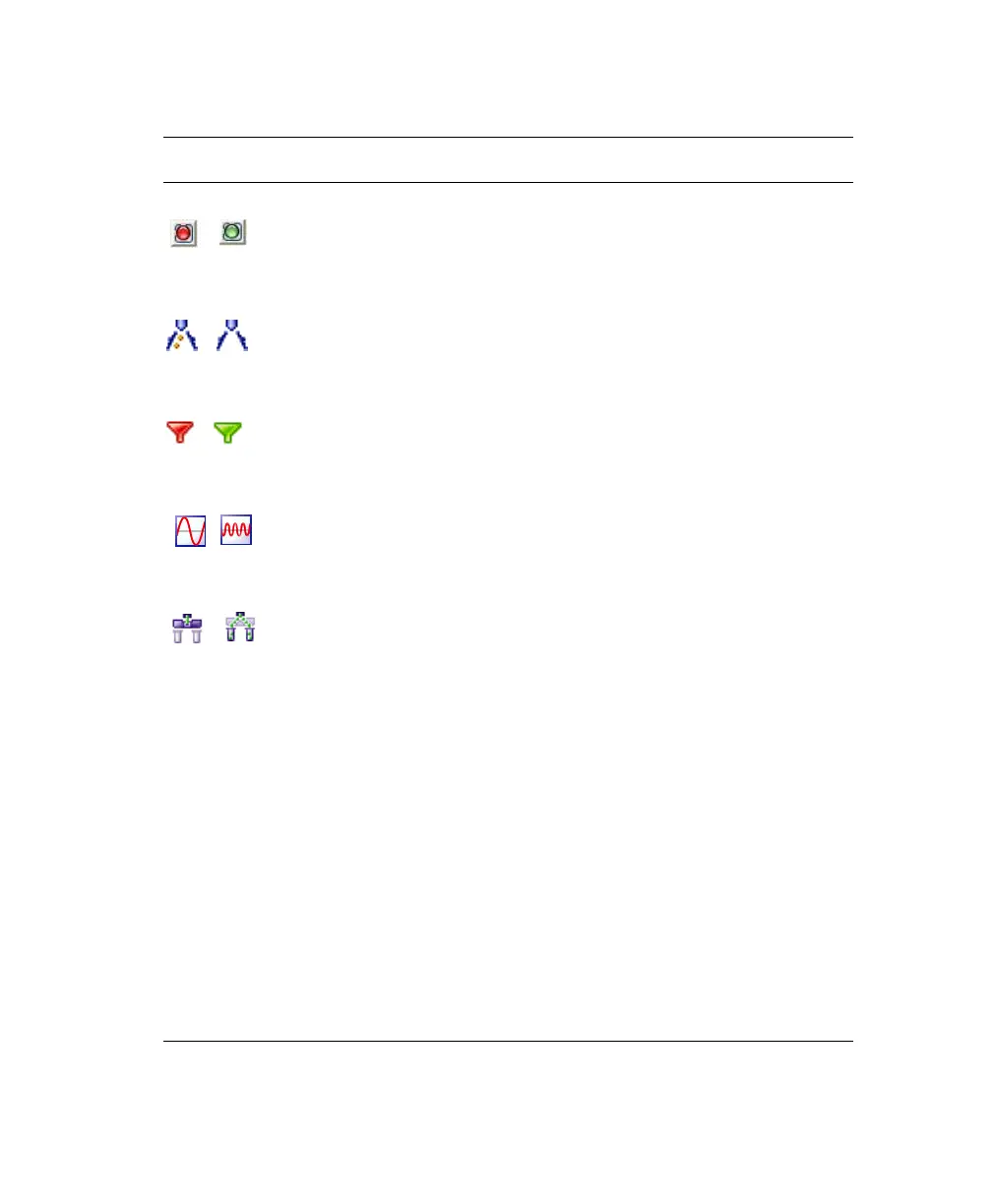
Voltage button Turns the plate voltage on and off.
Test Sort button Generates test side streams based on test sort pulses.
Optical Filter button Controls the position of the optical filter in front of the lower
(Accudrop) camera.
Attenuation button Decreases the amplitude of the drop drive. At startup,
attenuation defaults to off. As a general rule, turn on
attenuation when sorting below 30 psi.
Waste Drawer button Moves the aspirator drawer in or out depending on its current
state. The default state is in. For more information, see
Aspirator Drawer on page 33.
Drop Delay field Sets the amount of time between when an event is measured
and the breakoff point, from 10–140 drops. The drop delay
value determines which drop will be deflected.
The drop delay value is set experimentally using BD FACS
Accudrop technology.
Auto Delay Opens the Auto Drop delay dialog.
Voltage sliders (far
left, left, right, far
right)
Set the percentage of charge to be applied to the corresponding
stream (as a percentage of maximum).
Voltage Center slider Adjusts the relative voltage between the left and right plates
which moves the streams slightly to the left or right as a whole.
Plate Voltage field Adjusts the total voltage difference between the plates, which
determines the angle of stream deflection.
on
off
on off
in out
off on
closed open



 To Next Page