Chapter 2: Theory of Operation 77
Defining New Precision Modes
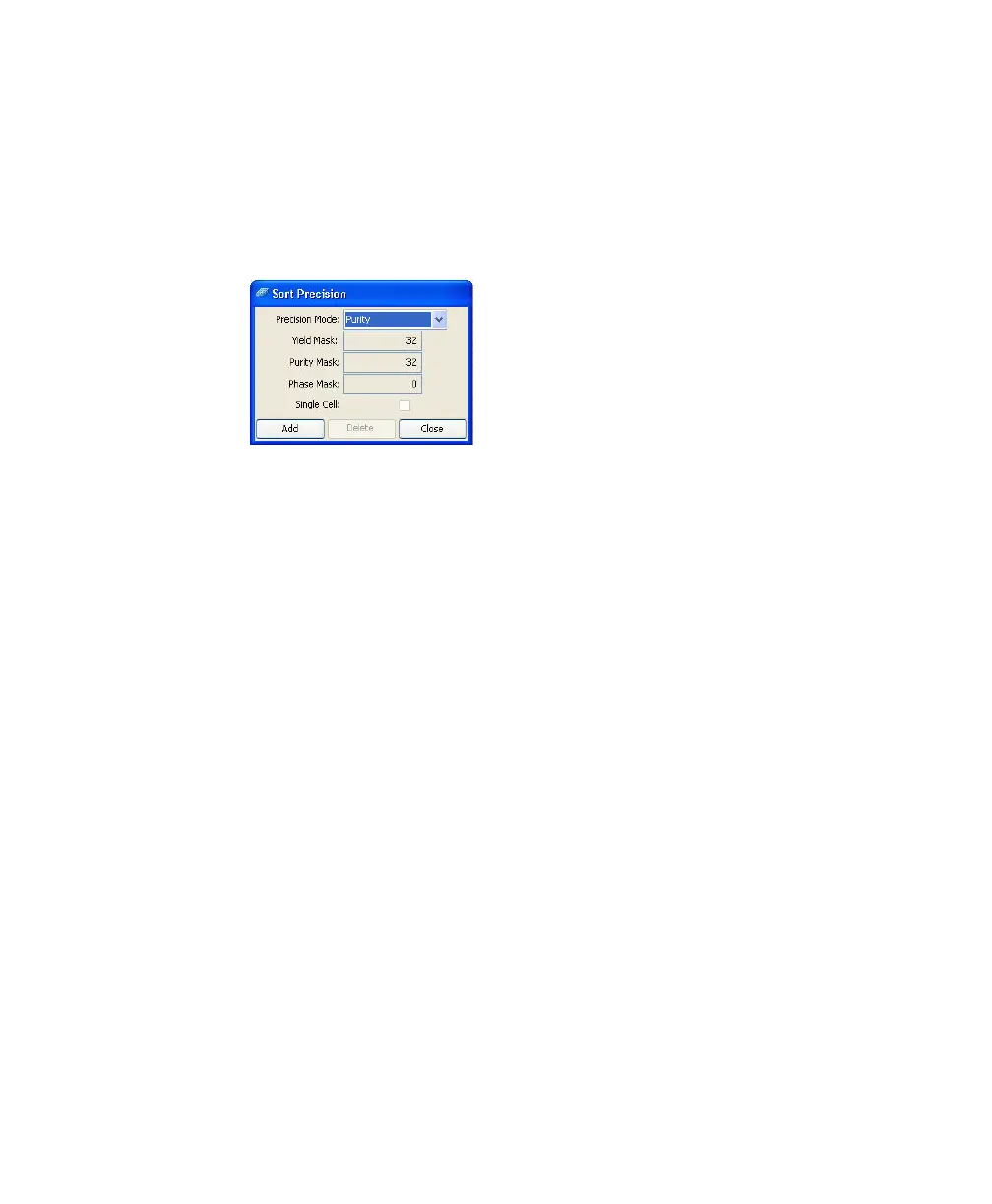
Default Precision modes cannot be edited or deleted. However, you can create
new modes and then choose them from the Precision Mode drop-down menu.
1 Select Sort > Sort Precision and click Add.
The current sort mode is duplicated and the Mask fields are enabled.
2 (Optional) Change the name of the mode in the Precision Mode field.
3 Enter values for the Yield, Purity, and Phase Masks.
4 Select the Single Cell checkbox, if needed.
5 Click Close.
The new mode is added to the Precision Mode drop-down menu.
To delete a mode, choose it from the drop-down menu and then click Delete.



 To Next Page