107
Telephone mode
• Enter number
You can also enter a phone number to
which the calls will be diverted. Con-
firm your entry by selecting the
symbol.
If busy option
Here you can set the number to which
calls are to be diverted if your connec-
tion is busy.
Here you have the same options as for
Divert all calls.
If not answered option
Here you can set the number to which
calls are to be diverted if you do not an-
swer or you reject the call.
Here you have the same options as for
Divert all calls.
If not reachable option
Here you can set the number to which
calls are to be diverted if you have
switched off your phone or if your phone
currently has no reception.
Here you have the same options as for
Divert all calls.
Switch off all diversions option
After selecting
Switch off all diversions all
the active call divert functions are
switched off.
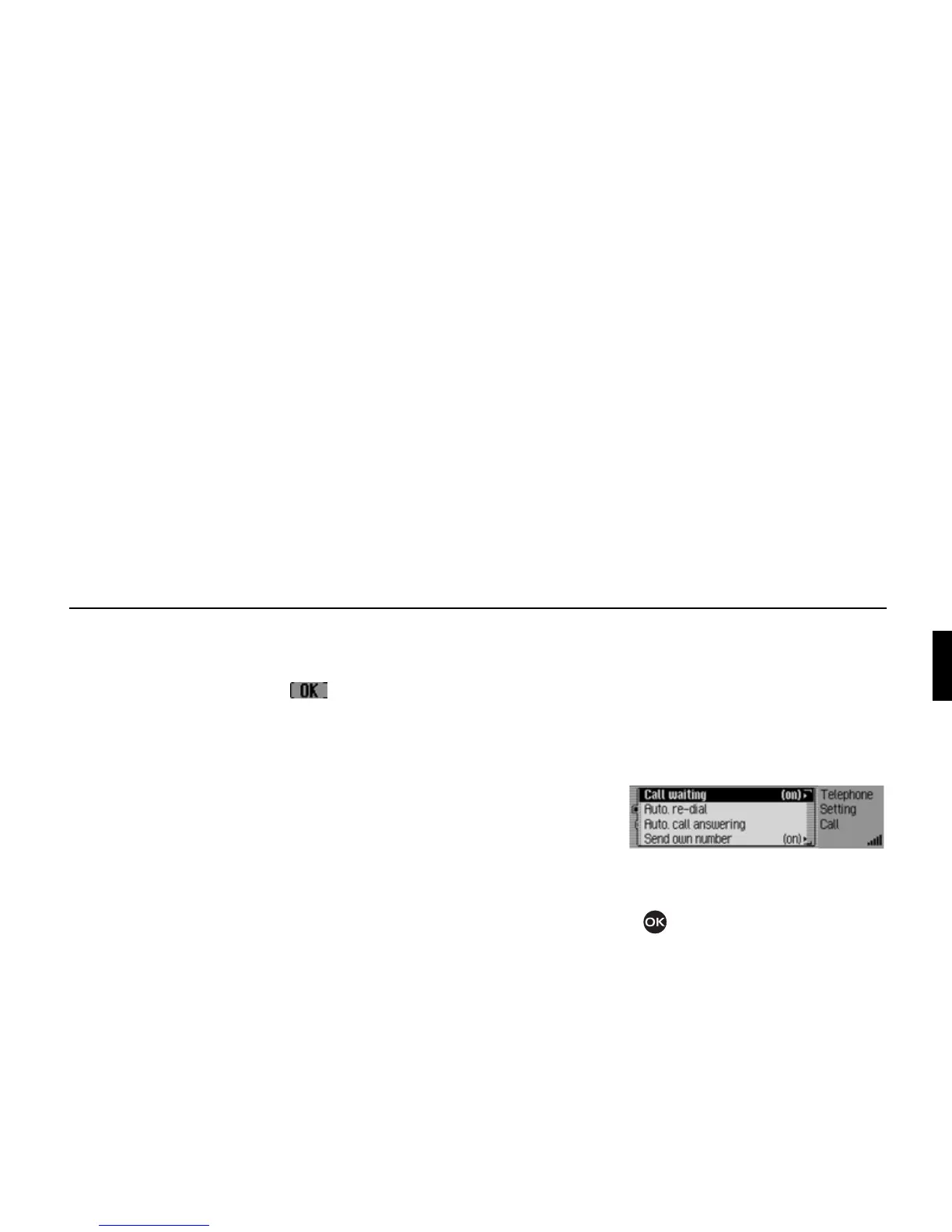
Call settings
(internal phone and SIM-Access only)
Here you can activate or deactivate the
“Call waiting”, “Automatic redial”,
“Automatic call answering” and “Trans-
mission of own number” functions.
! Call up the Settings menu.
! Select the Call settings entry.
The Call Settings menu appears.
! Turn the rotary control/push button
to select one of the following op-
tions:
Call waiting,
Auto. re-dial,
Auto. call answering or
Send number.
5068















 To Next Page