108
Telephone mode
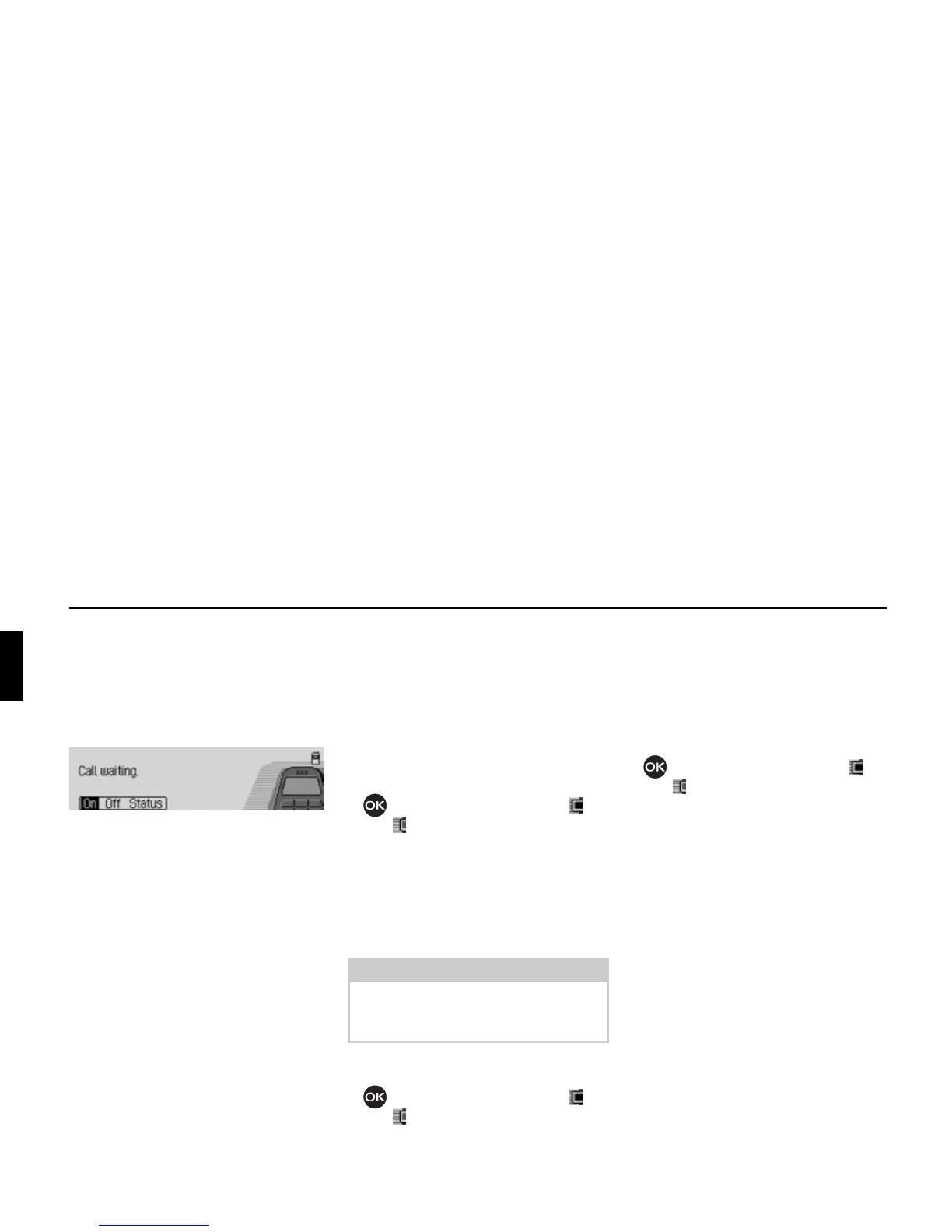
Call waiting option
If the
Call waiting function is activated, a
second call is signalled during an ongo-
ing call.
! Select the Call waiting entry.
! Select from On, Off and Status.
Selecting
On switches on the call waiting
function.
Selecting
Off switches off the call wait-
ing function.
After selecting
Status the current status
of the call waiting function is displayed.
Auto. re-dial option
If the
Auto. re-dial function is switched
on, when the number that is called is
busy the system automatically attempts
to call the number again for 16 minutes
at intervals of 2 minutes.
! Select the Auto. re-dial entry.
! Press the rotary control/ push button
to switch the function on ( ) or
off ( ).
Auto. call answering option
If the
Auto. call answering function is
switched on, incoming calls will be an-
swered automatically after around 5 sec-
onds.
! Select the Auto. call answering entry.
! Press the rotary control/ push button
to switch the function on ( ) or
off ( ).
Send number option
When the
Send number function is active,
your number will be displayed to the
caller.
! Select the Send number entry.
! Press the rotary control/ push button
to switch the function on ( ) or
off ( ).
5069
Note:
If the function is active, the automatic
voice dialogue to answer the call is not
started.















 To Next Page