Honeywell Bendix/King AV8OR Handheld User’s Guide
D200803000008 VFR Moving Map Function
Rev 5 Mar 2012 Page 2-61
© Honeywell International Inc. Do not copy without express permission of Honeywell
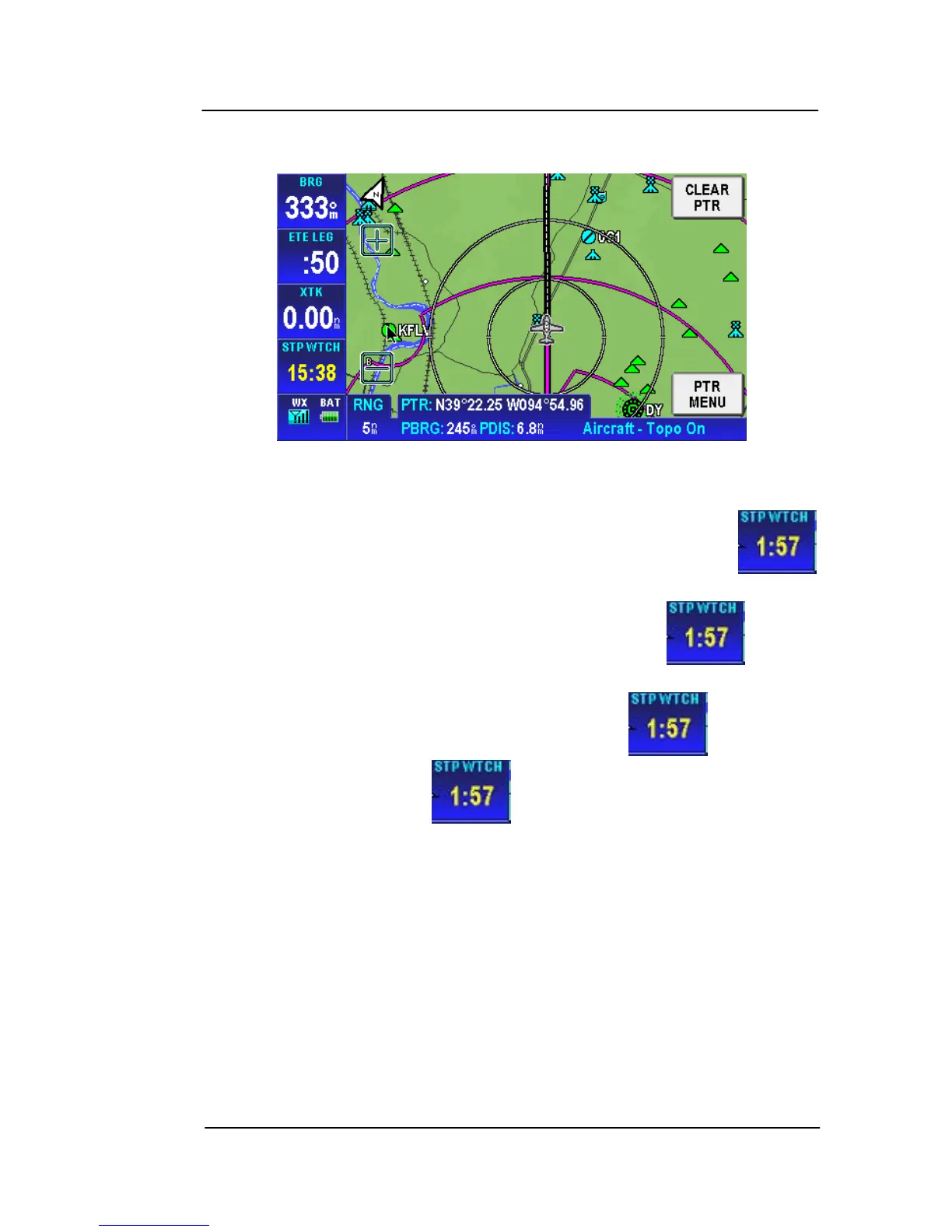
STOP WATCH
Figure 2-78: Stop Watch Data Field
The stopwatch can be started or stopped only when the
data window shows on the Map screen.
When the stopwatch is stopped, double tap the icon to
start the timer.
When the stopwatch is running, double tap the icon to stop
the timer. Double tap the icon to reset it.
When the stopwatch is active, it continues to count even if the
stopwatch data window is not being displayed.



 To Next Page