Honeywell Bendix/King AV8OR Handheld User’s Guide
Appendix D200803000008
Page 6-4 Rev 5 Mar 2012
© Honeywell International Inc. Do not copy without express permission of Honeywell
DOWNLOADING/UPLOADING FILES FROM/TO PC
• Turn on the power to the AV8OR and let AV8OR boot up to the
main menu.
• Use the included PC/USB cable (part number 005-03702-0004)
to attach from the AV8OR to a USB port on a P/C.
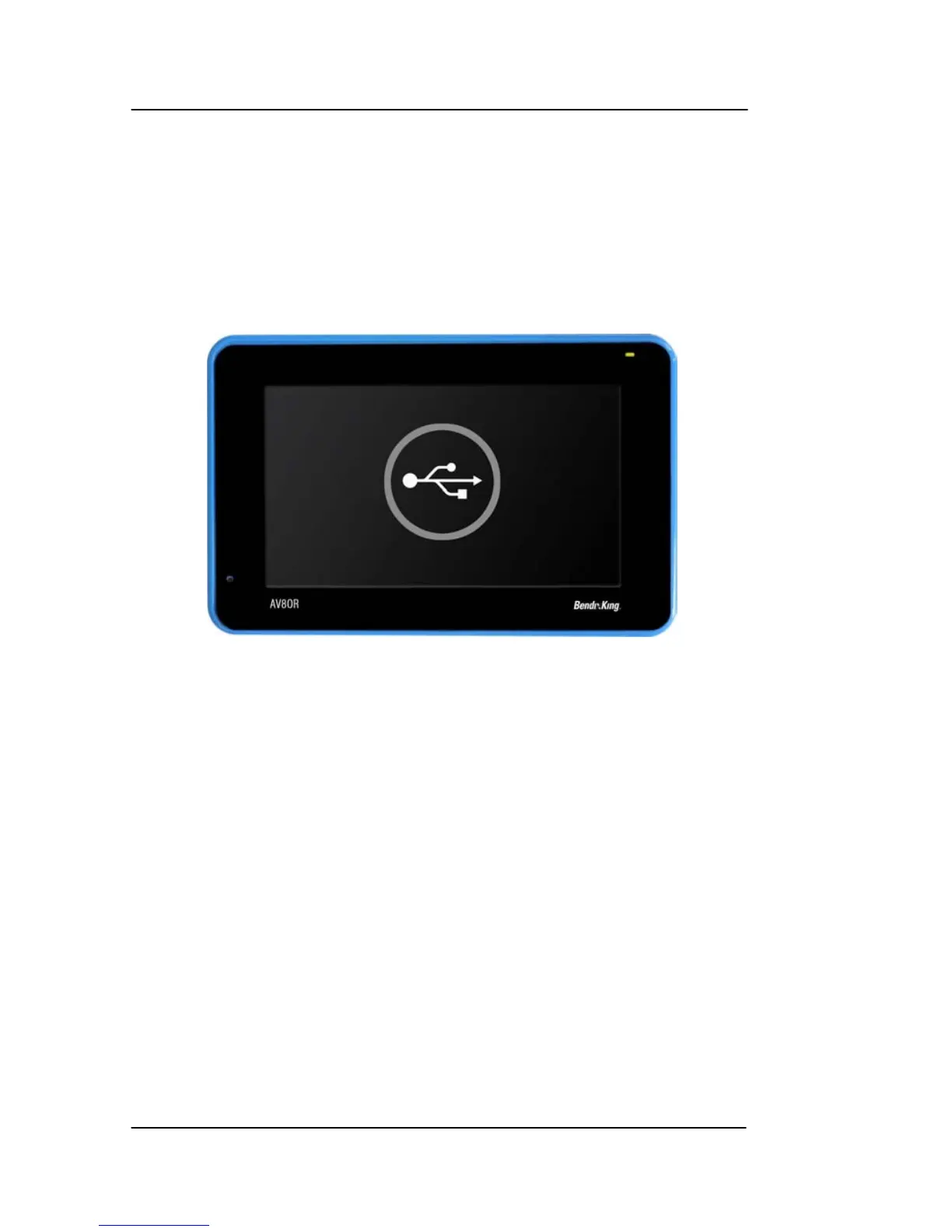
• A connection symbol shows on screen. The AV8OR modes
cannot be used while AV8OR is connected to the PC.
.
Figure 6-1: Connection to USB port.
• Configure the PC to connect the AV8OR as an external drive to
view files as shown in the figure below.



 To Next Page