Honeywell Bendix/King AV8OR Handheld User’s Guide
D200803000008 VFR Moving Map Function
Rev 5 Mar 2012 Page 2-31
© Honeywell International Inc. Do not copy without express permission of Honeywell
o When terrain data is scaled for display, the highest
elevation is used for each location to determine its
color.
o The 0.5 nm radius circles around obstacles are
displayed only if their radii after scaling are large
enough to be shown.
o If altitude information is not available then a warning
message is displayed on the map image with the text
“No Altitude Available. Relative Terrain Not Displayed.”
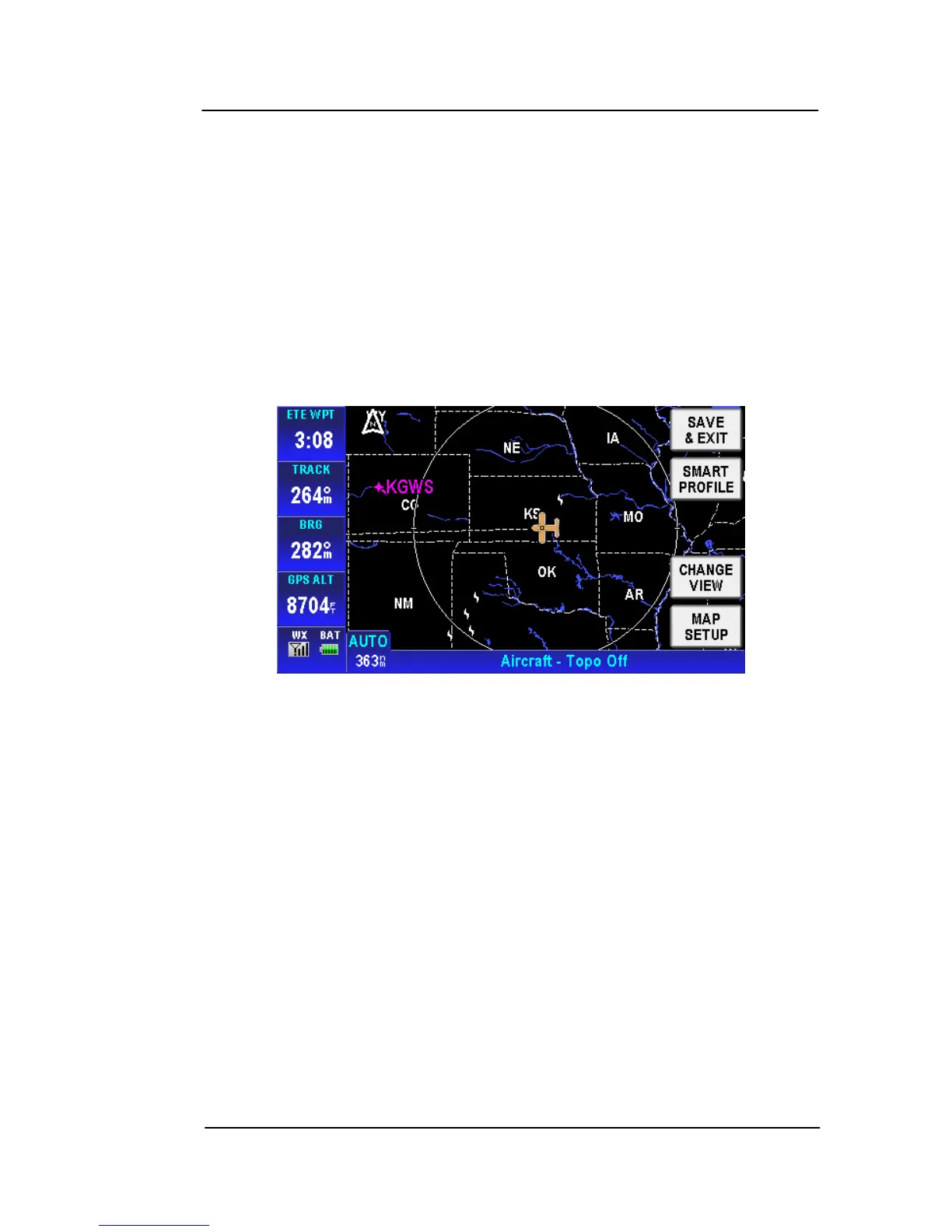
• Topo Off
Figure 2-32: Map – Topo Off
Tapping the MAP SETUP soft key allows the user to configure the
Map Setup options. For more detail information about Map Setup,
refer to the Map Setup section on page 2-148 in the System Setup
se
ction.
AIRPORTS
Airports sho
w on the MAP page as blue or green circles with a line
drawn through them. The line indicates the direction of the primary
runway at the airport. Blue circles represent VFR airports and green
circles represent IFR airports.
Tap on an airport icon to bring up the MORE INFO soft key.



 To Next Page