Honeywell Bendix/King AV8OR Handheld User’s Guide
D200803000008 VFR Moving Map Function
Rev 5 Mar 2012 Page 2-53
© Honeywell International Inc. Do not copy without express permission of Honeywell
.
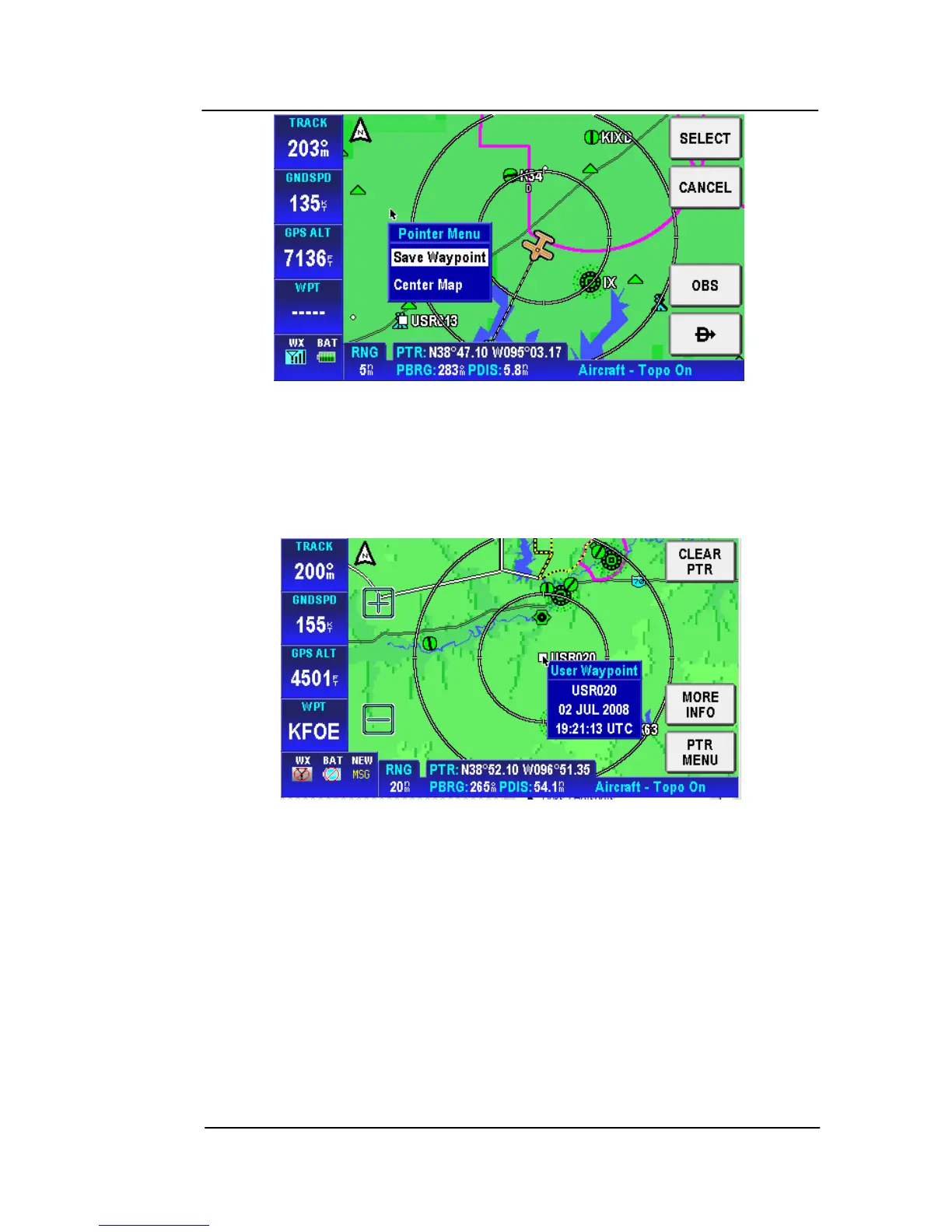
Figure 2-65: Map –PTR MENU – Save Waypoint
Choose the Save Waypoint item, and tap the SELECT soft key, a
user defined WPT is created at the point position on the map with
the name USRXXX. Tap on the waypoint to show the User Waypoint
popup window as shown in the figure below
Figure 2-66: Map – User Defined Waypoint
The User Waypoint popup window lists the waypoint ID and the date
and time the waypoint was created.
Tap on the MORE INFO soft key to display additional information
about the waypoint.



 To Next Page