Honeywell Bendix/King AV8OR Handheld User’s Guide
VFR Moving Map Function D200803000008
Page 2-52 Rev 5 Mar 2012
© Honeywell International Inc. Do not copy without express permission of Honeywell
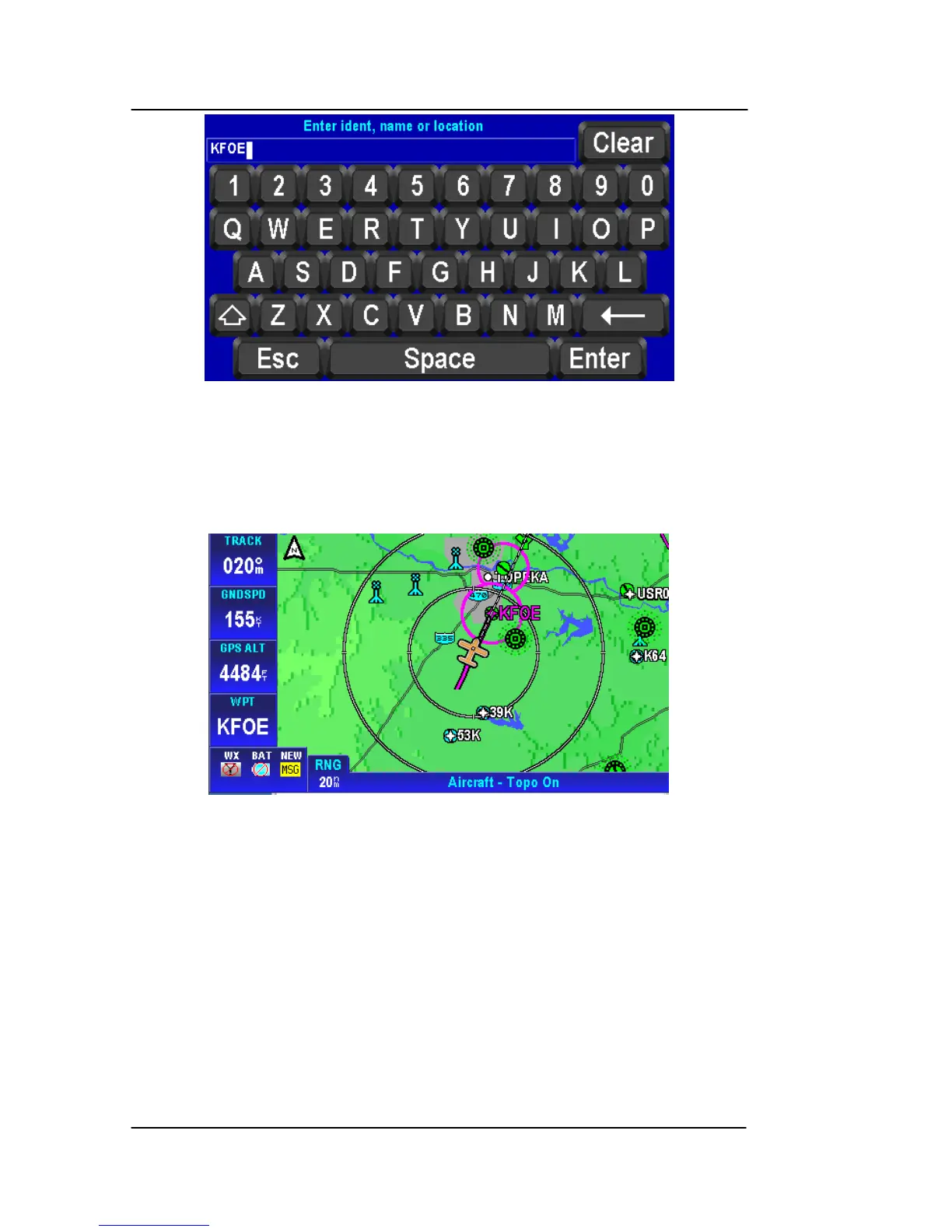
Figure 2-63: Enter New WPT Ident
Tap on the Enter soft key when done and then tap on the OK soft
key to activate the Direct-To WPT. This will suspend the active flight
plan and create a new course from the aircraft present position to the
selected location. The new course shows in a magenta color.
Figure 2-64: New Direct-To Active.
PTR MENU
Create a User Waypoint
When you tap a NAVAID
point or any blank place on the map, the
PTR MENU soft key is displayed. Tap the PTR MENU soft key to
show the pointer menu.



 To Next Page