Honeywell Bendix/King AV8OR Handheld User’s Guide
Appendix D200803000008
Page 5-4 Rev 5 Mar 2012
© Honeywell International Inc. Do not copy without express permission of Honeywell
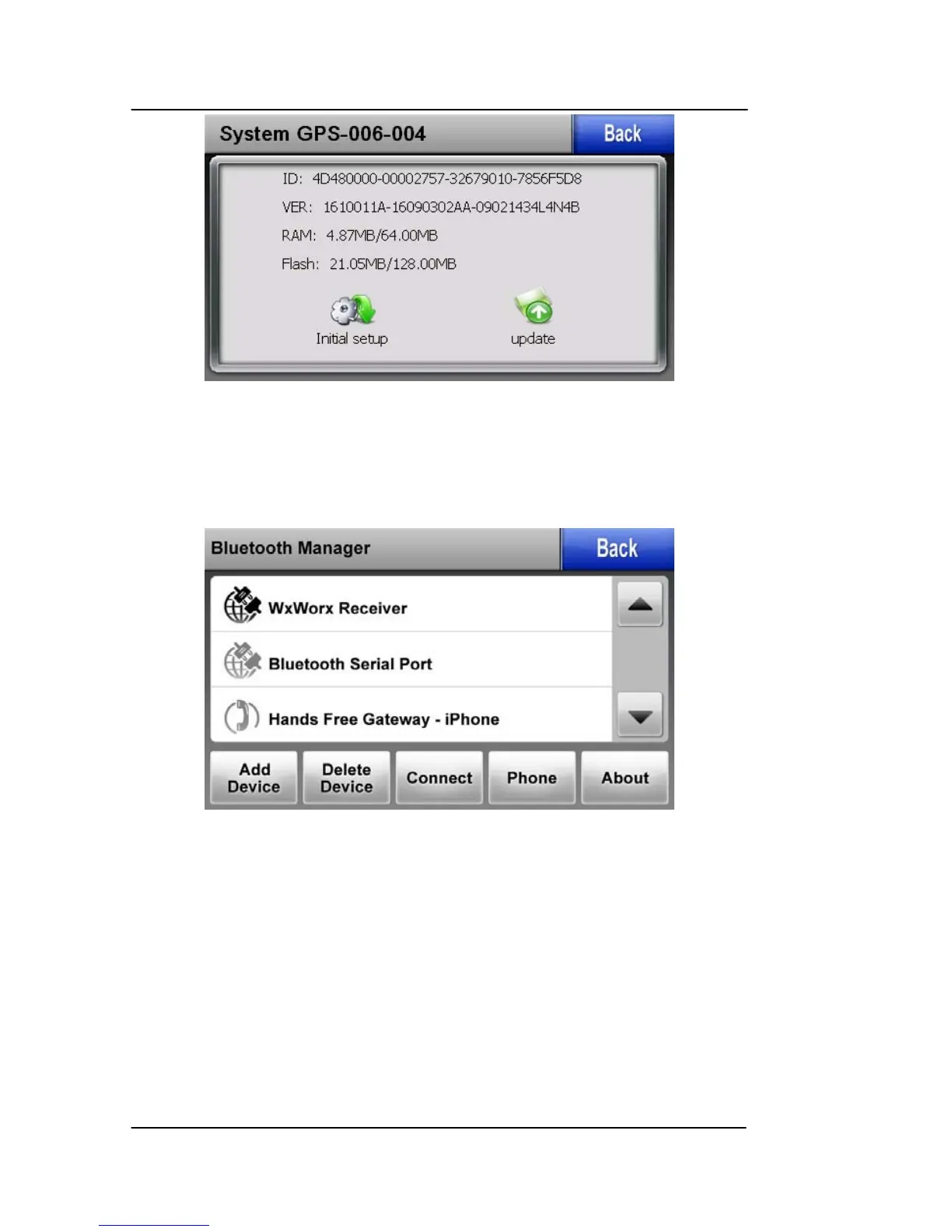
Figure 5-4: System Info Screen
BLUETOOTH
To enter the Bluetooth page, tap the “Bluetooth” soft key on the
Settings page to display the Bluetooth Manager page.
Figure 5-5: Bluetooth Manager Page
The Bluetooth Manager page has the following functions:
• Back: Returns to the previous page.
• Up and Down Arrows: Scrolls the list up and down.
• Add Device: Goes to the Add Device page for the device
selected.
• Delete Device: Goes to the Delete Device page for the
device selected



 To Next Page