Honeywell Bendix/King AV8OR Handheld User’s Guide
D200803000008 Flight Plan Function
Rev 5 Mar 2012 Page 2-83
© Honeywell International Inc. Do not copy without express permission of Honeywell
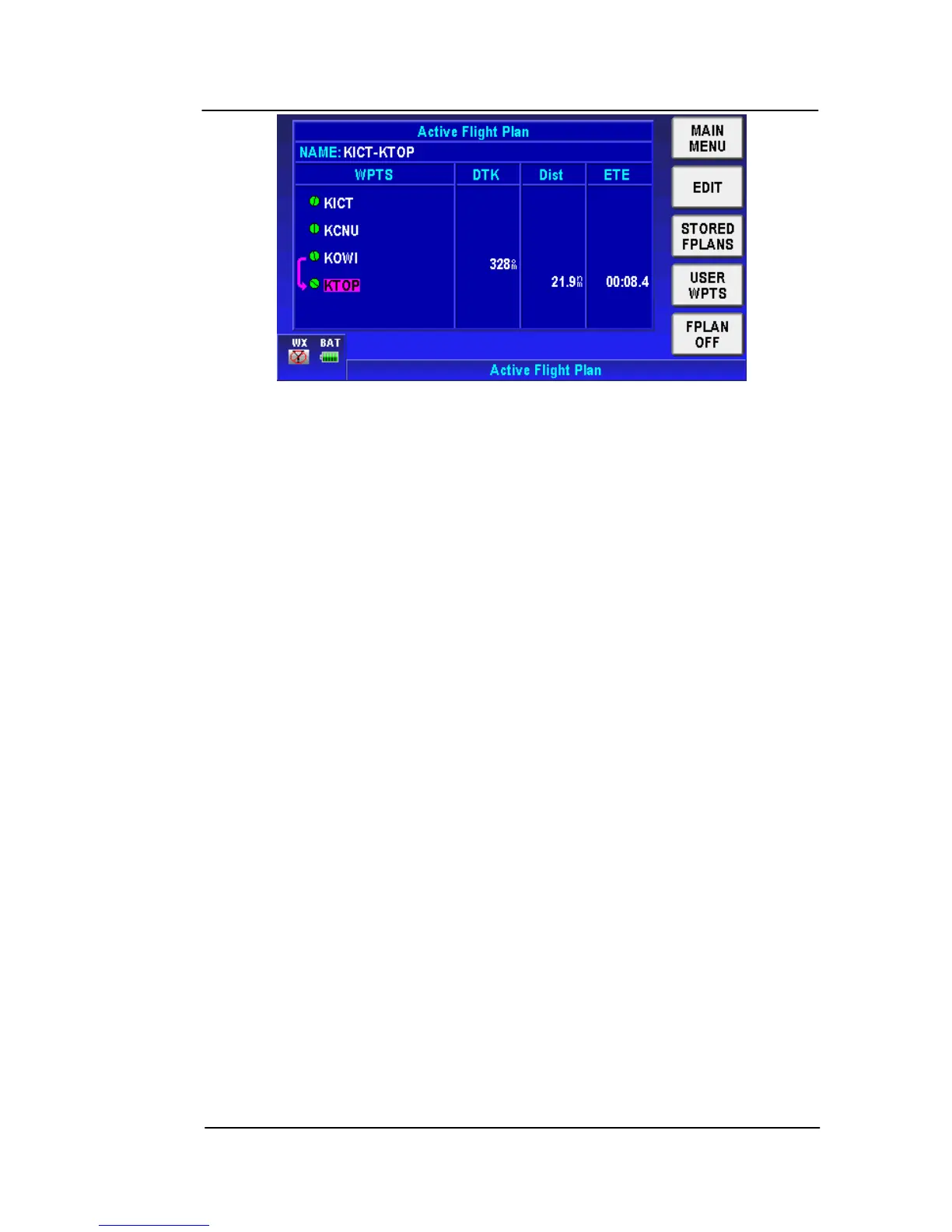
Figure 2-118: Flight Plan – Active Flight Plan
5. After activating a flight plan the Map page is shown.
Active Flight Plan
1. Once a flight plan has be
en activated, tap the Flight Plans soft
ke
y from the Main Menu page and then tap the STORED
FPLANS soft key to go to the Flight Plan Index page.
2. The active flight plan is shown in magenta color.
3. When the active flight plan is selected, tap the FPLAN OFF soft
key to deactivate the flight plan. The flight plan course is
removed from the map.



 To Next Page