Honeywell Bendix/King AV8OR Handheld User’s Guide
Automotive Mode Operation D200803000008
Page 3-94 Rev 5 Mar 2012
© Honeywell International Inc. Do not copy without express permission of Honeywell
Icon Color Name Description
satellites. Signals
from the yellow
satellites are only
received, while
green ones are
used by the GPS to
calculate your
current location.
n/a
Coordinates Your current GPS
position in WGS84
format.
n/a Status bar for the
satellites
Dark bars are for the
yellow and lit bars
are for the green
satellites. The more
satellites your GPS
tracks (the green
ones), the better is
your calculated
position.
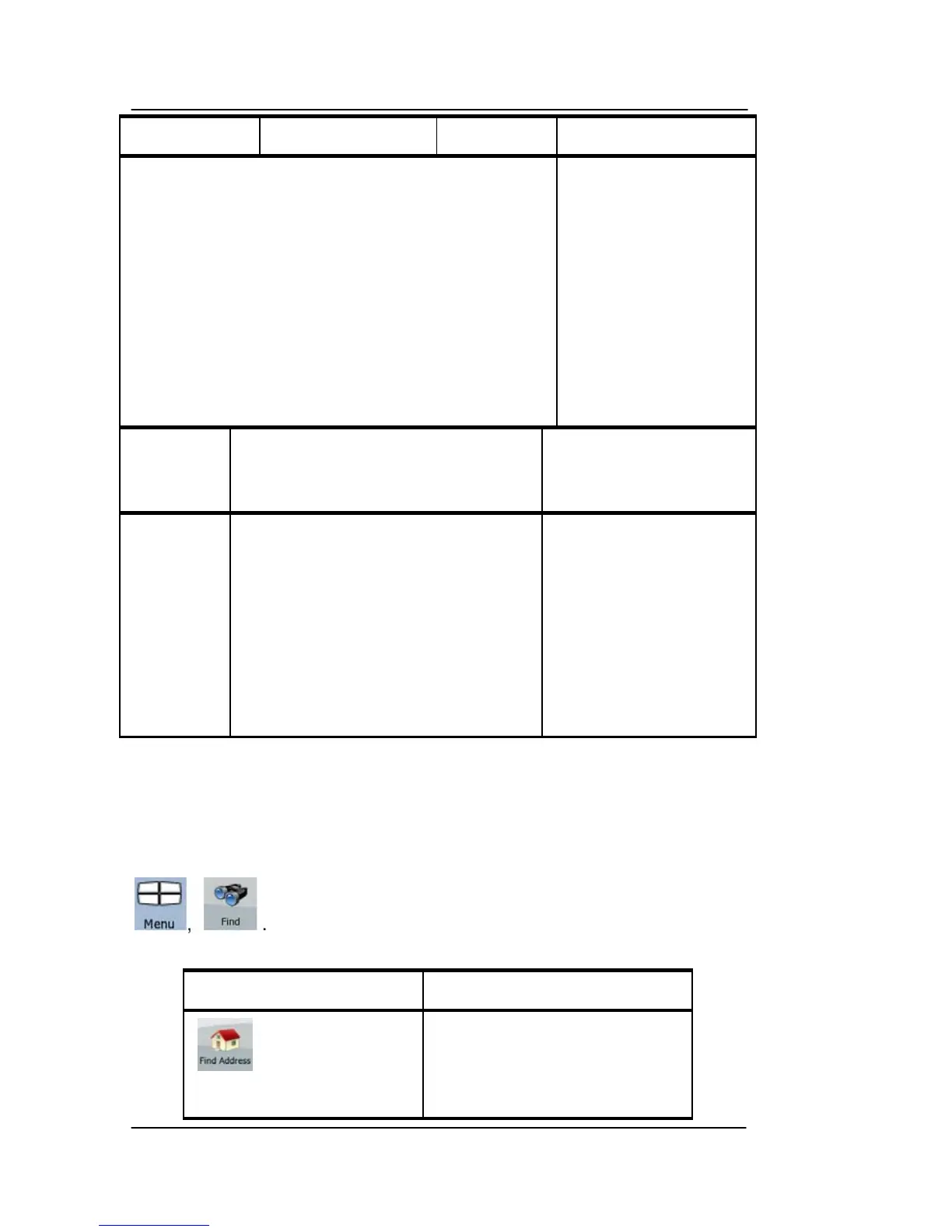
FIND MENU
Select the destination of your route. Tap the following soft Keys:
Soft Key Description
If you know at least a part
of the address, this is the
quickest way to find the
location.



 To Next Page