Honeywell Bendix/King AV8OR Handheld User’s Guide
D200803000008 Flight Plan Function
Rev 5 Mar 2012 Page 2-75
© Honeywell International Inc. Do not copy without express permission of Honeywell
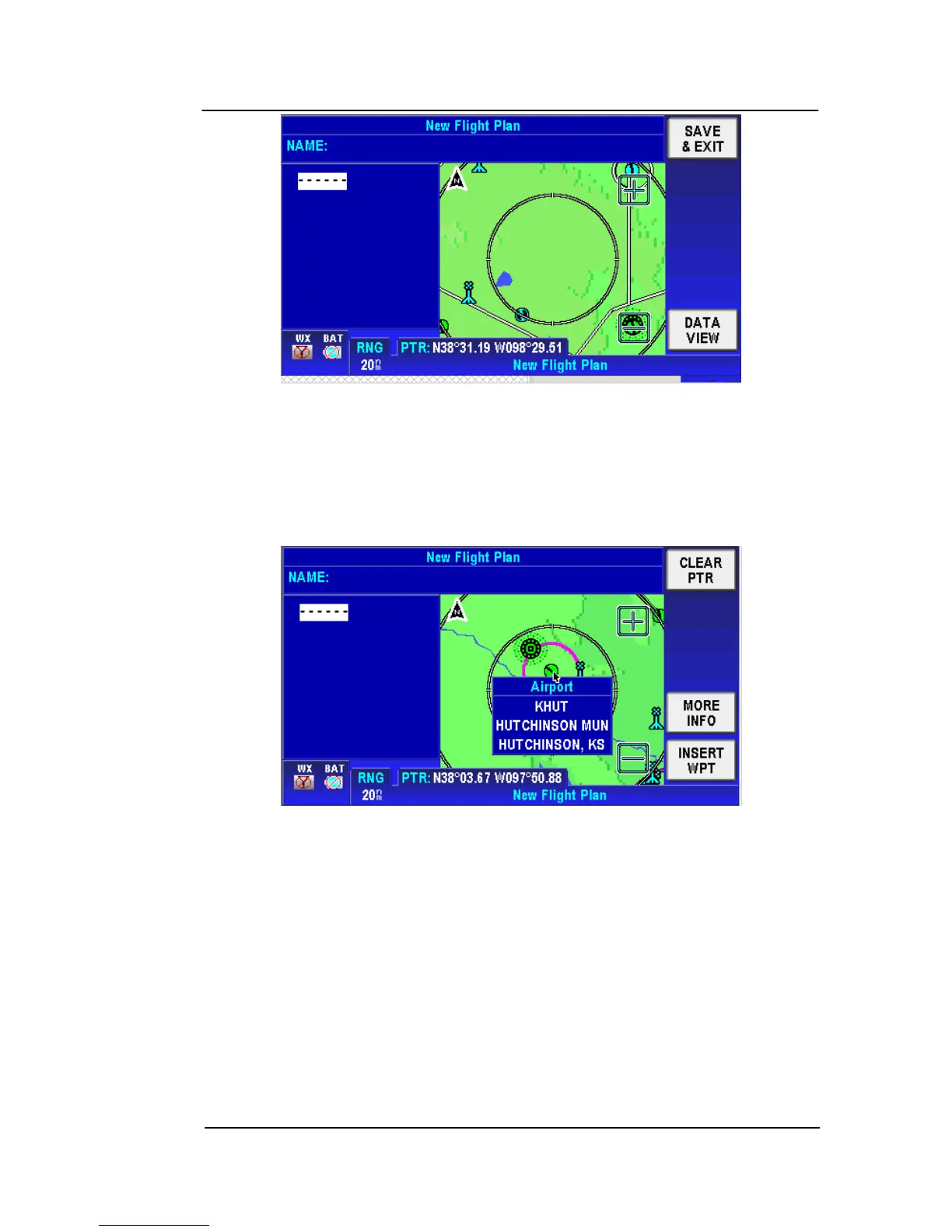
Figure 2-102: Flight Plan – Map Selection of WPTs
Use your finger or stylus to pan the map to the first WPT you want to
enter into the flight plan. Use the Zoom In and Zoom out icons to
make it easier to pan the screen.
Tap on the WPT to show the name and identifier.
Figure 2-103: Flight Plan – Waypoint Detail
To view detailed information about this point, tap the MORE
INFO soft key on the right of the page. The selected WPT
detailed information is displayed, as shown in the figure below.



 To Next Page