Honeywell Bendix/King AV8OR Handheld User’s Guide
D200803000008 Automotive Mode Operation
Rev 5 Mar 2012 Page 3-13
© Honeywell International Inc. Do not copy without express permission of Honeywell
Tasks Instructions
bottom left corner on any screen.
Shortcut to open the Navigation menu: slide your
finger from the top left corner to the bottom left
corner on any screen.
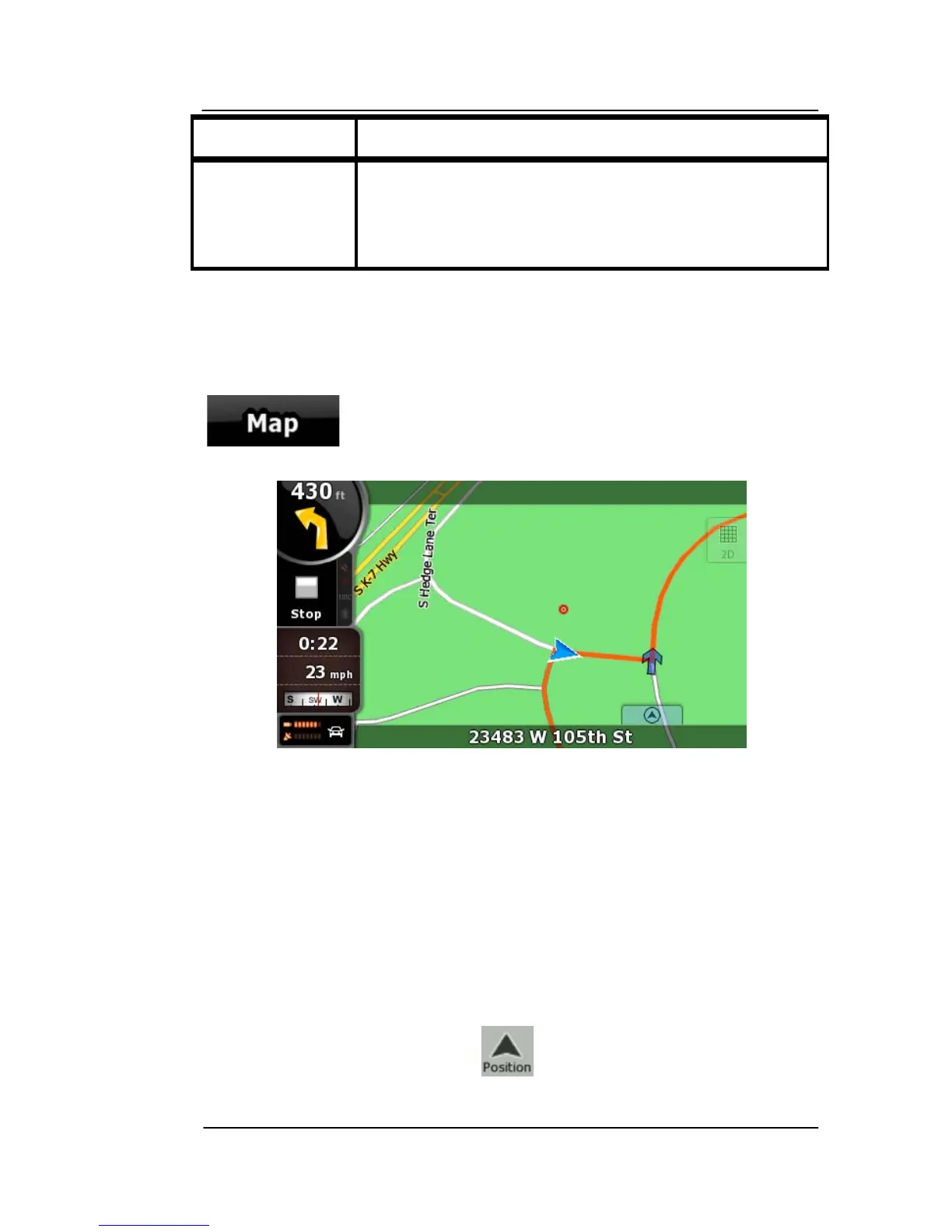
USING THE MAP
The map screen is the most frequently used screen of GoDrive
. It
can be accessed from the Navigation menu by tapping
Figure 3-4: Map Screen
For further information about the map screen, refer to the Map
Screen section.
CHE
CKING THE DETAILS OF A MAP LOCATION
• If you are interested in the details of your cu
rrent position during
navigation:
1. Check the bottom line of the map. It shows the current street
and house number information.
2. For further details, tap to open the Position menu.



 To Next Page