Honeywell Bendix/King AV8OR Handheld User’s Guide
D200803000008 Appendix
Rev 5 Mar 2012 Page 6-5
© Honeywell International Inc. Do not copy without express permission of Honeywell
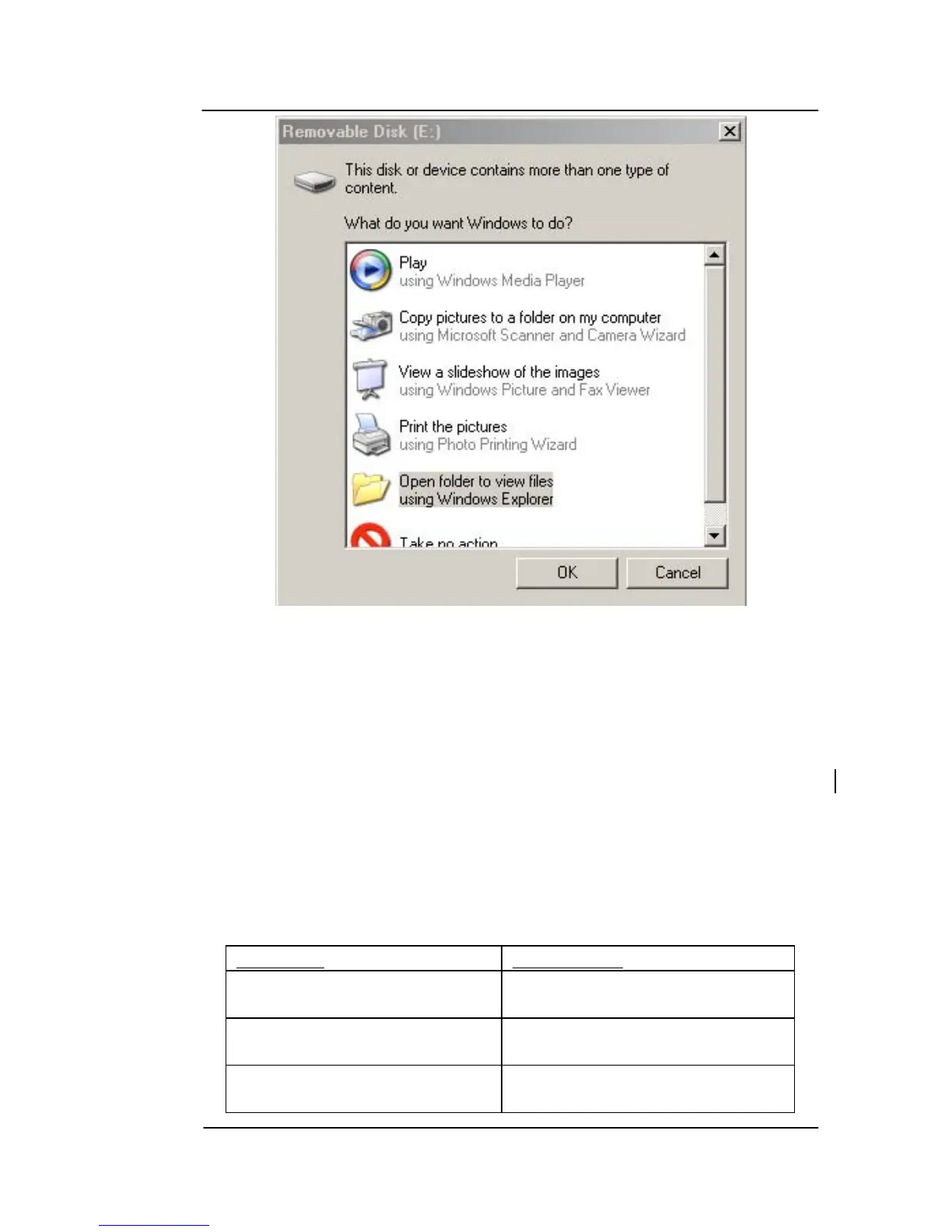
Figure 6-2: Configure AV8OR as external drive
NOTE: The SD card can also be removed from the AV8OR and
plugged into a compatible SD card slot on a PC to transfer
files.
Refer to the bendixking.com/av8or website for instructions on how
to download software and database file updates from the PC to the
SD card in the AV8OR.
Use the directory structure in the table below to download/upload
files to the SD card:
Table 6-1 Directory Structure
Directory
Description
GoDrive
Root level for Car Navigation
Software
GoFly
Root level for Aviation
Software
GoFly
data
Storage location for Aviation
data



 To Next Page