Honeywell Bendix/King AV8OR Handheld User’s Guide
Appendix D200803000008
Page 4-6 Rev 5 Mar 2012
© Honeywell International Inc. Do not copy without express permission of Honeywell
XM TUNER
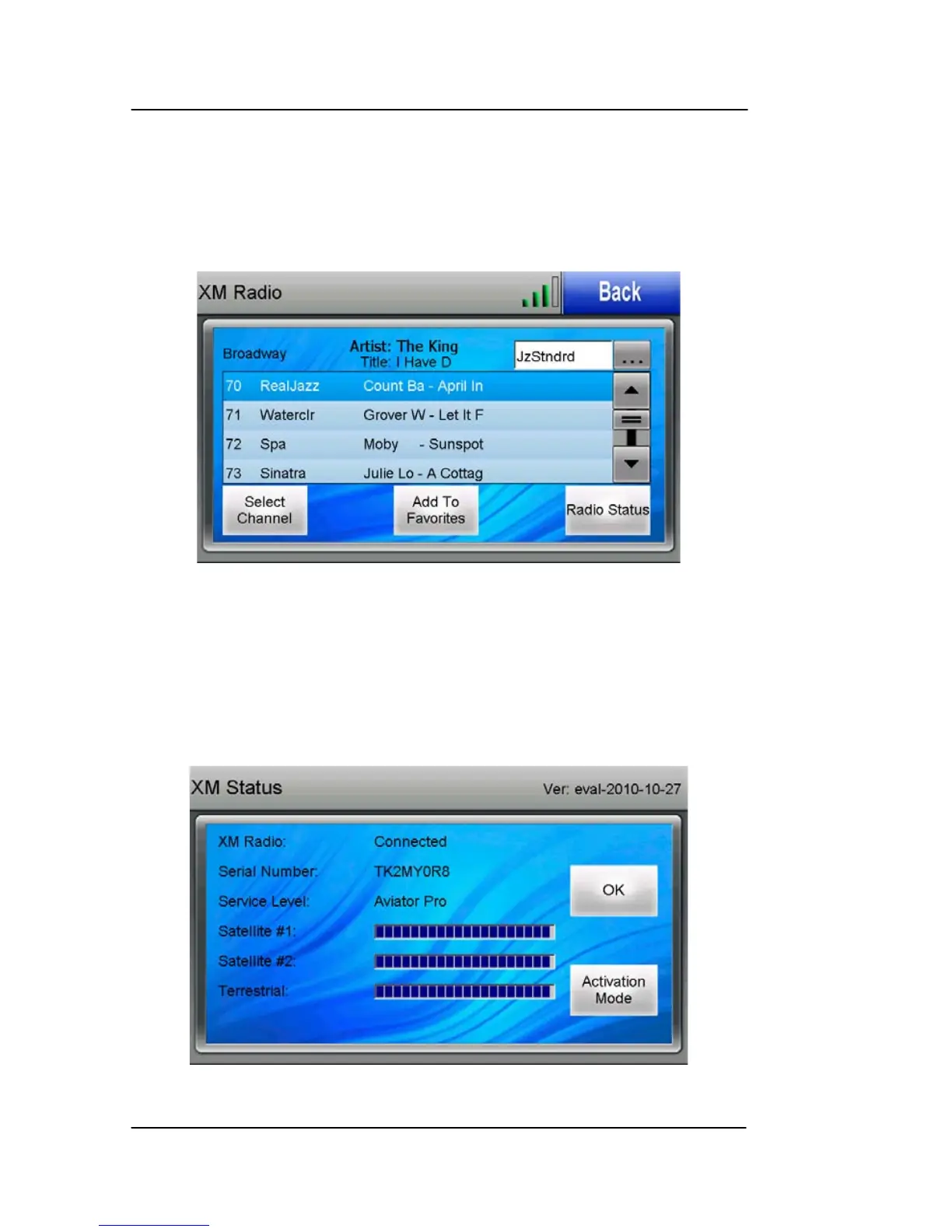
Tap the XM TUNER icon on the Multimedia menu to show the XM
Radio page. From the XM Radio page, you can scroll through the list
of available channels, select a channel to listen to, select a channel
category, add a channel to your “Favorites” category or activate your
XM subscription.
Figure 4-10: XM Radio Page
XM Weather and Radio Setup
1. Tap on the Radio Status soft key to activate either XM weather
or XM radio or both. The XM Status page is displayed. The
Radio ID for the XM receiver shows to the right of the Serial
Number label as shown below??. The Radio ID is also on the
bottom on the WxWorx XM receiver.
Figure 4-11: XM Status Page



 To Next Page