Honeywell Bendix/King AV8OR Handheld User’s Guide
D200803000008 VFR Moving Map Function
Rev 5 Mar 2012 Page 2-55
© Honeywell International Inc. Do not copy without express permission of Honeywell
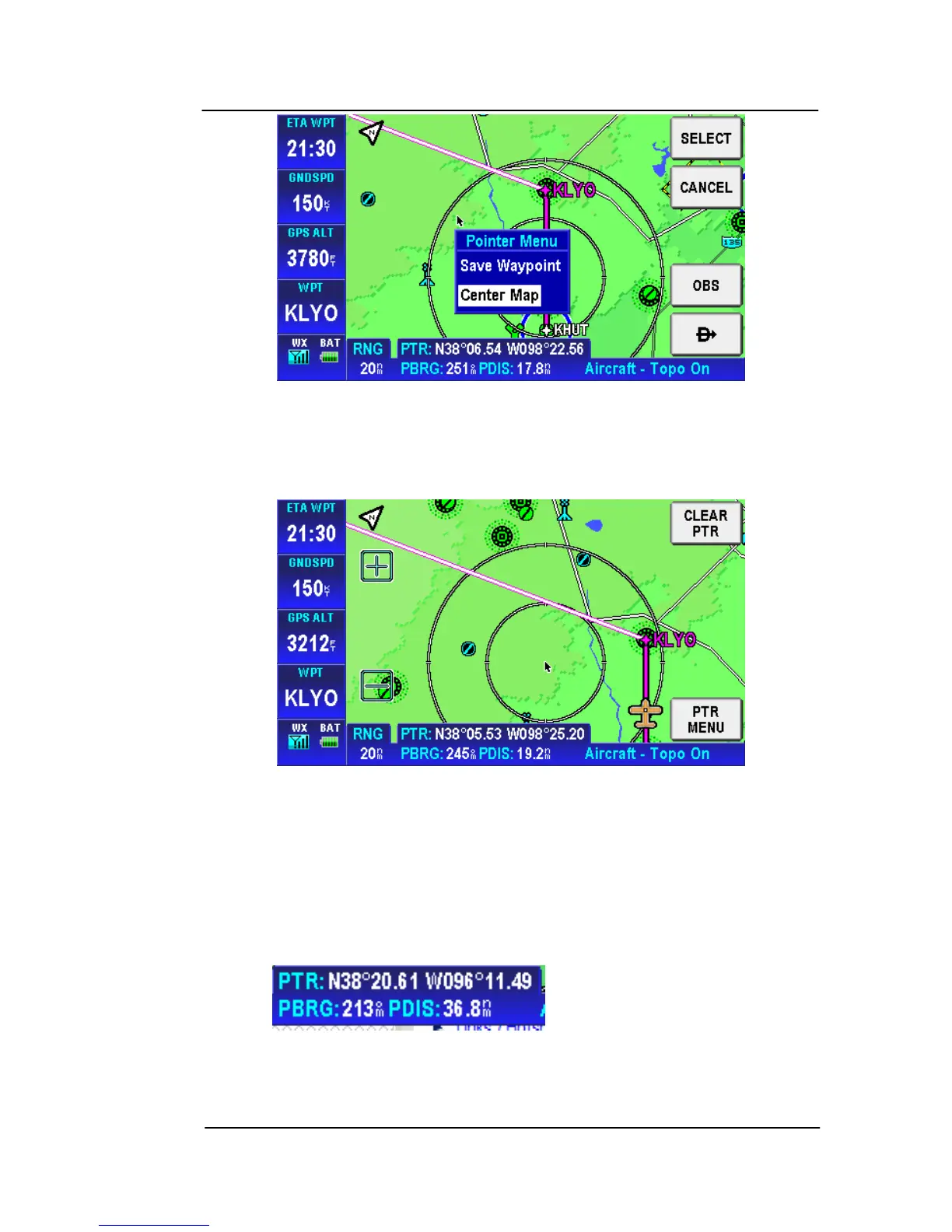
Figure 2-69: Pointer Menu
Choose the Center Map option and tap the SELECT soft key to
center the position of the Map page on the pointer position.
Figure 2-70: Map Centered on Pointer
PTR MENU – DIRECT-TO NAVIGATION
The DIRECT
TO shows the course to navigate the aircraft to the
desired WPT directly when the WPT was selected from the pointer
map mode screen. When the user moves the pointer arrow to any
desired map location, the pointer’s position (PTR), bearing (PBRG)
and distance (PDIS) are shown on two lines at the bottom left of the
screen



 To Next Page