Honeywell Bendix/King AV8OR Handheld User’s Guide
D200803000008 Flight Plan Function
Rev 5 Mar 2012 Page 2-81
© Honeywell International Inc. Do not copy without express permission of Honeywell
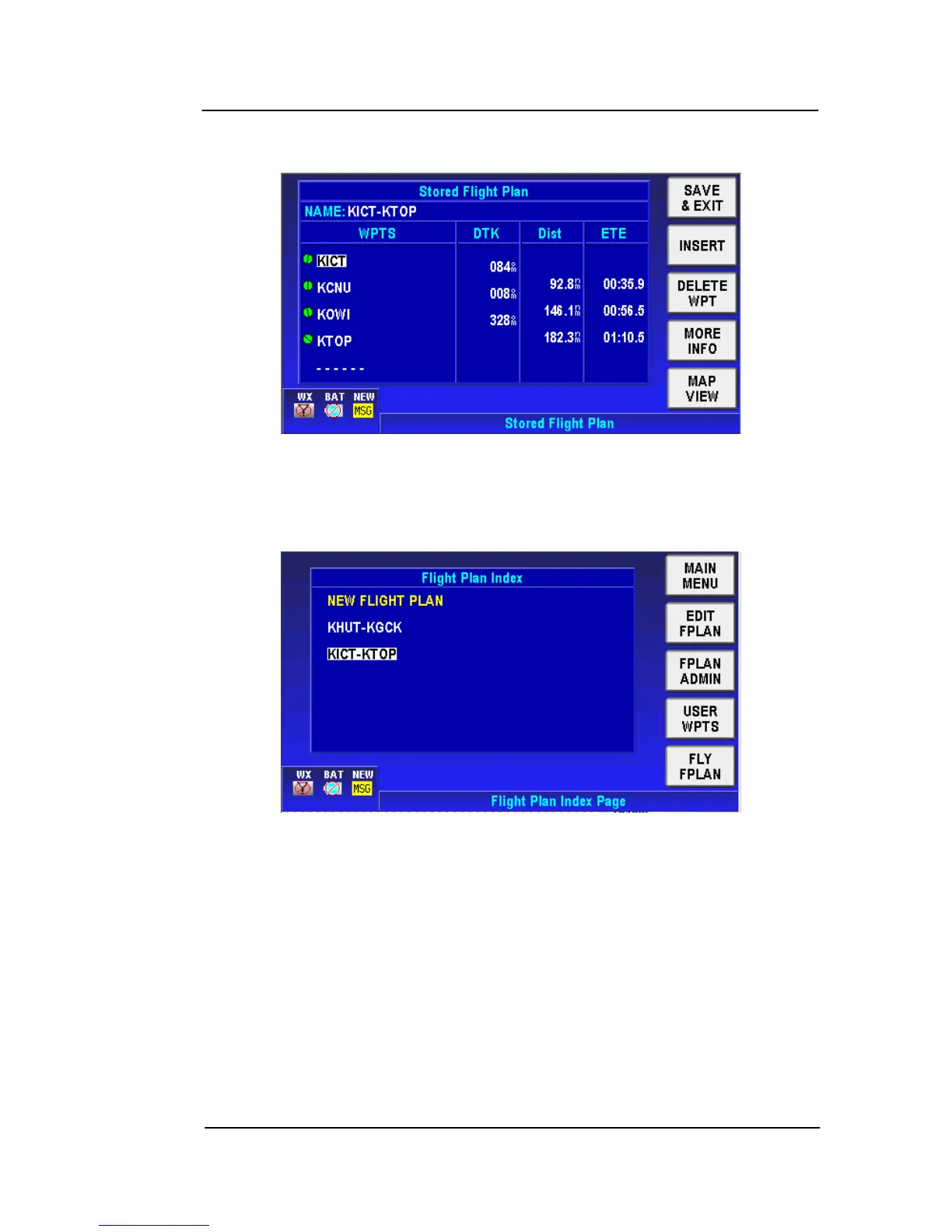
Tap on the INVERT FPLAN soft key to show the flight plan with the
WPTs inverted from the stored flight plan.
Figure 2-114: Invert Flight Plan – Step 2
Tap the SAVE & EXIT soft key to invert the flight plan. The flight plan
now shows on the Flight Plan Index Page with the WPTs inverted.
Figure 2-115: Invert Flight Plan – Step 3
DELETE FPLAN
This function
deletes the selected flight plan
Highlight the flight plan on the Flight Plan Index Page you want to
delete, tap on the FPLAN ADMIN soft key and then tap on the
DELETE FPLAN soft key.



 To Next Page