Honeywell Bendix/King AV8OR Handheld User’s Guide
VFR Moving Map Function D200803000008
Page 2-26 Rev 5 Mar 2012
© Honeywell International Inc. Do not copy without express permission of Honeywell
This warning and alert is issued at all zoom levels where the high
resolution terrain data is not available.
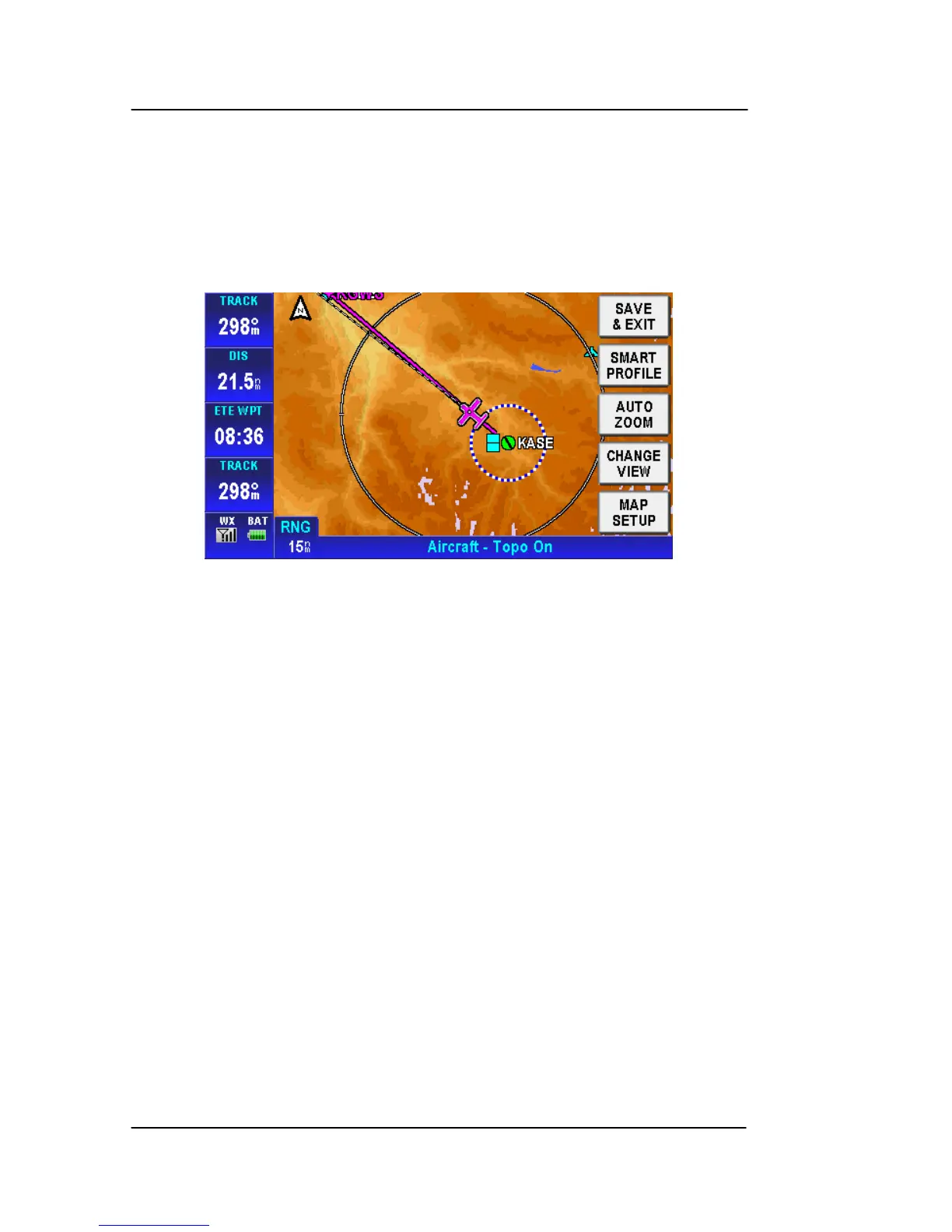
MAP VIEW
The MAP VIEW soft key
allows the user to select the information to
be shown on the map. Tapping the MAP VIEW soft key on the MAIN
MAP DISPLAY window brings up the CHANGE VIEW soft key.
Figure 2-25: Map – Map View Setup
Tap the SAVE & EXIT soft key to return to the Map page.
Smart Profile
The Sma
rt Profile mode
displays the vertical profile of the flight path
along the route of flight above the title bar. A cross section of the
terrain for the flight is shown on the vertical profile. A dashed line is
shown to represent the altitude of the flight path.
If Smart Profile is OFF, tapping the MAP VIEW soft key ,then the
SMART PROFILE soft key toggles Smart Profile to ON. The map
image shrinks 25% to show the SMART PROFILE on the bottom on
the screen.



 To Next Page