Honeywell Bendix/King AV8OR Handheld User’s Guide
D200803000008 Appendix
Rev 5 Mar 2012 Page 4-1
© Honeywell International Inc. Do not copy without express permission of Honeywell
4. MULTIMEDIA
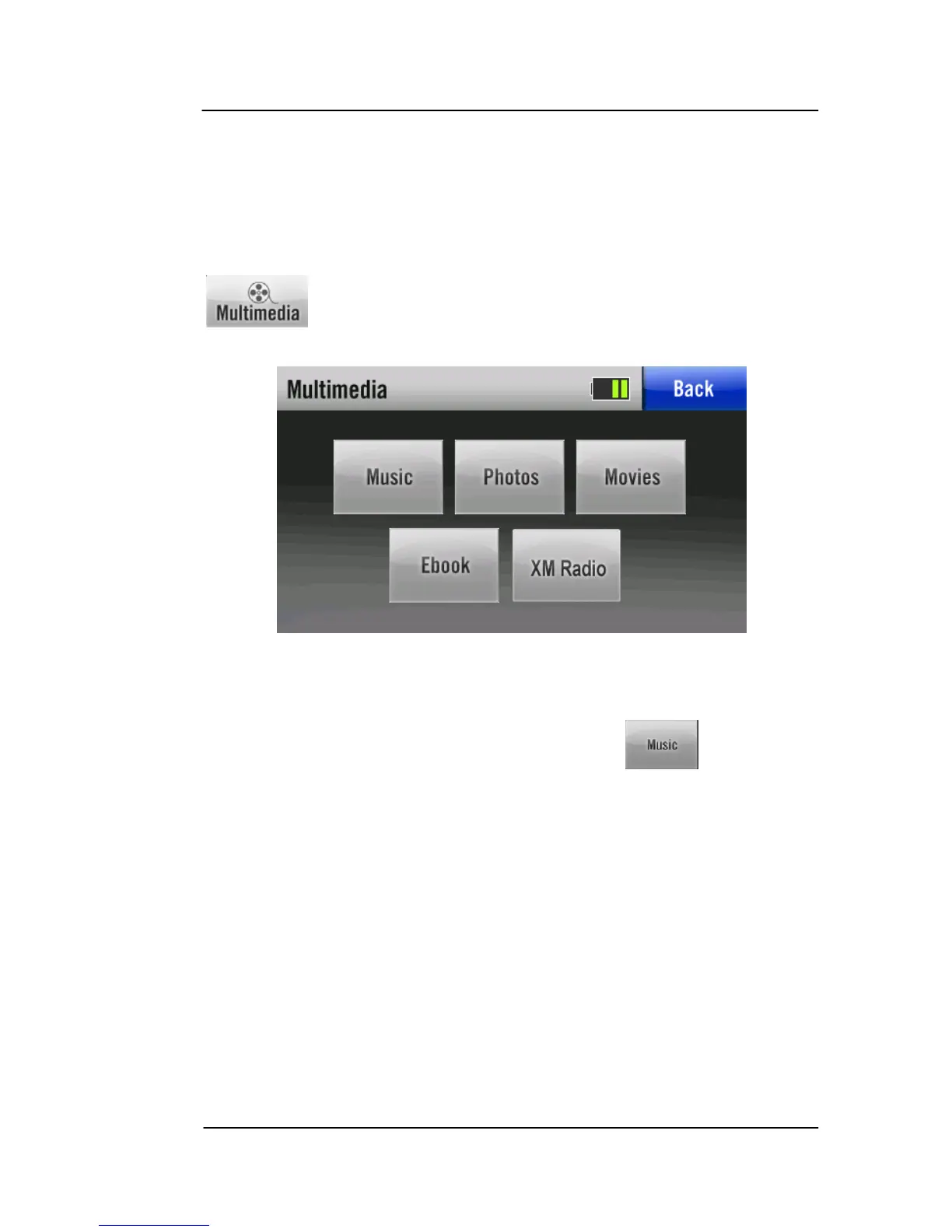
The all-in-one versatile AV8OR provides several multimedia
programs, such as listening to music, viewing photos, watching a
movie, reading an Ebook or listening to XM Radio. Tap the
icon on the Main Menu (Refer to Figure 1-9) to go to the
Multimedia menu page.
Figure 4-1: Multimedia Menu
MUSIC PLAYER
To enter the music player service, tap the icon on the
Multimedia menu.
The Music program opens to the default Multimedia/music folder on
the SD card as shown in the figure below.
The music player supports the following audio formats:
• MP3
• WMA.



 To Next Page