Honeywell Bendix/King AV8OR Handheld User’s Guide
Automotive Mode Operation D200803000008
Page 3-4 Rev 5 Mar 2012
© Honeywell International Inc. Do not copy without express permission of Honeywell
GETTING STARTED
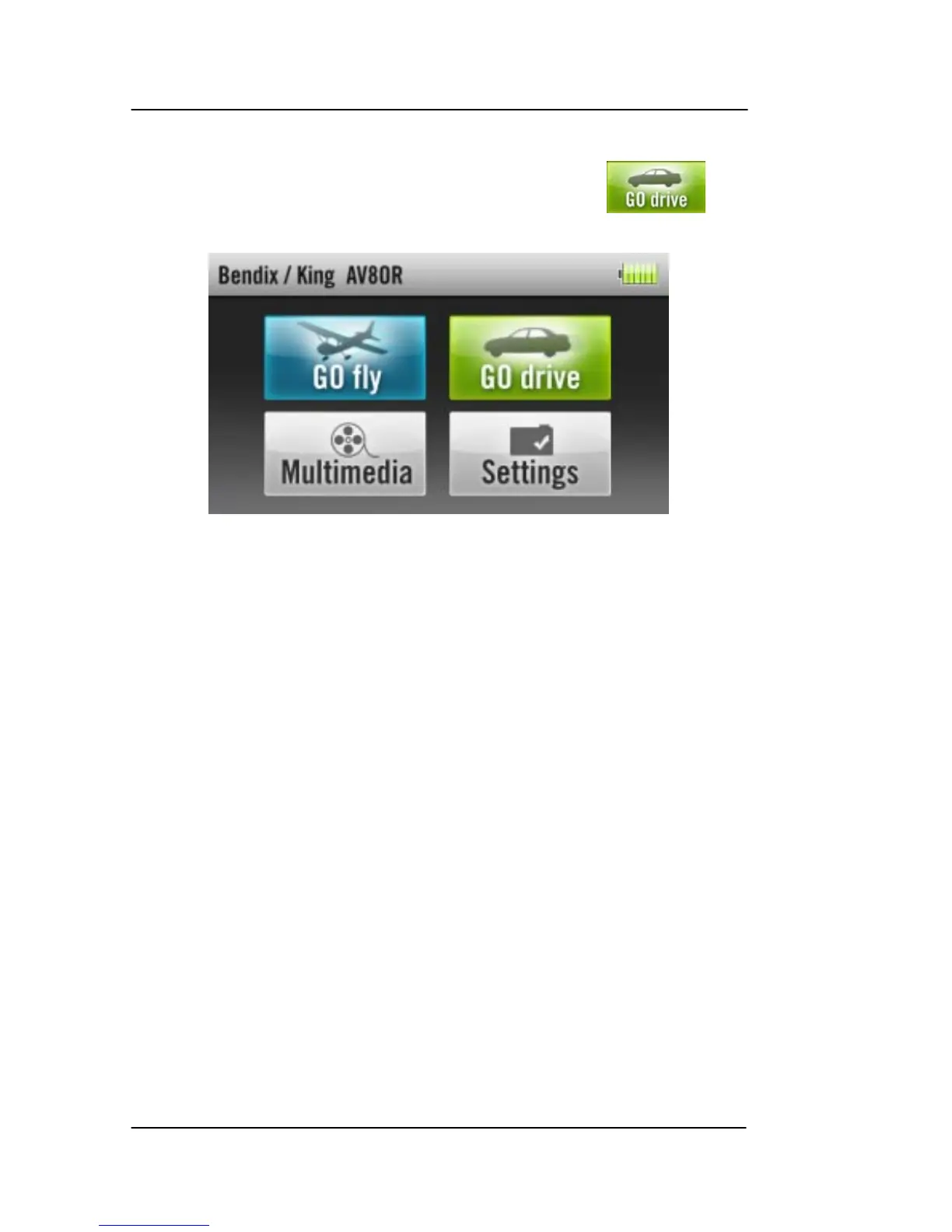
From the Main Menu (refer to Figure 3-1), tap the soft
key to start the GoDrive Automotive Navigation program.
Figure 3-1: AV8OR Main Menu
When GoDrive is started the first time, you need to do the following:
• Select the written language of the application. Later you can
change it in the Settings Menu section.
• Select the l
angua
ge and speaker used for voice guidance
messages. Later you can change it in Settings Menu
section.
• Select whether to start the program in “Simple” mode or in
“Advanced” mode. Later you can switch between the two
operating modes in Settings Menu section.
After this, the Na
vigation menu app
ears and you can start using
GoDrive. Figure 3-2 displays the Navigation menu in Simple mode.



 To Next Page