Honeywell Bendix/King AV8OR Handheld User’s Guide
Automotive Mode Operation D200803000008
Page 3-64 Rev 5 Mar 2012
© Honeywell International Inc. Do not copy without express permission of Honeywell
REFERENCE BOOK (ADVANCED MODE)
On the following pages you will find the description of the different
menu screens of GoDrive in Advanced mode. In Simple mode,
these functions work the same way, but only a few of them are
available.
The Navigation menu:
GoDrive starts with the Navigation menu. From there you can
access the following screens:
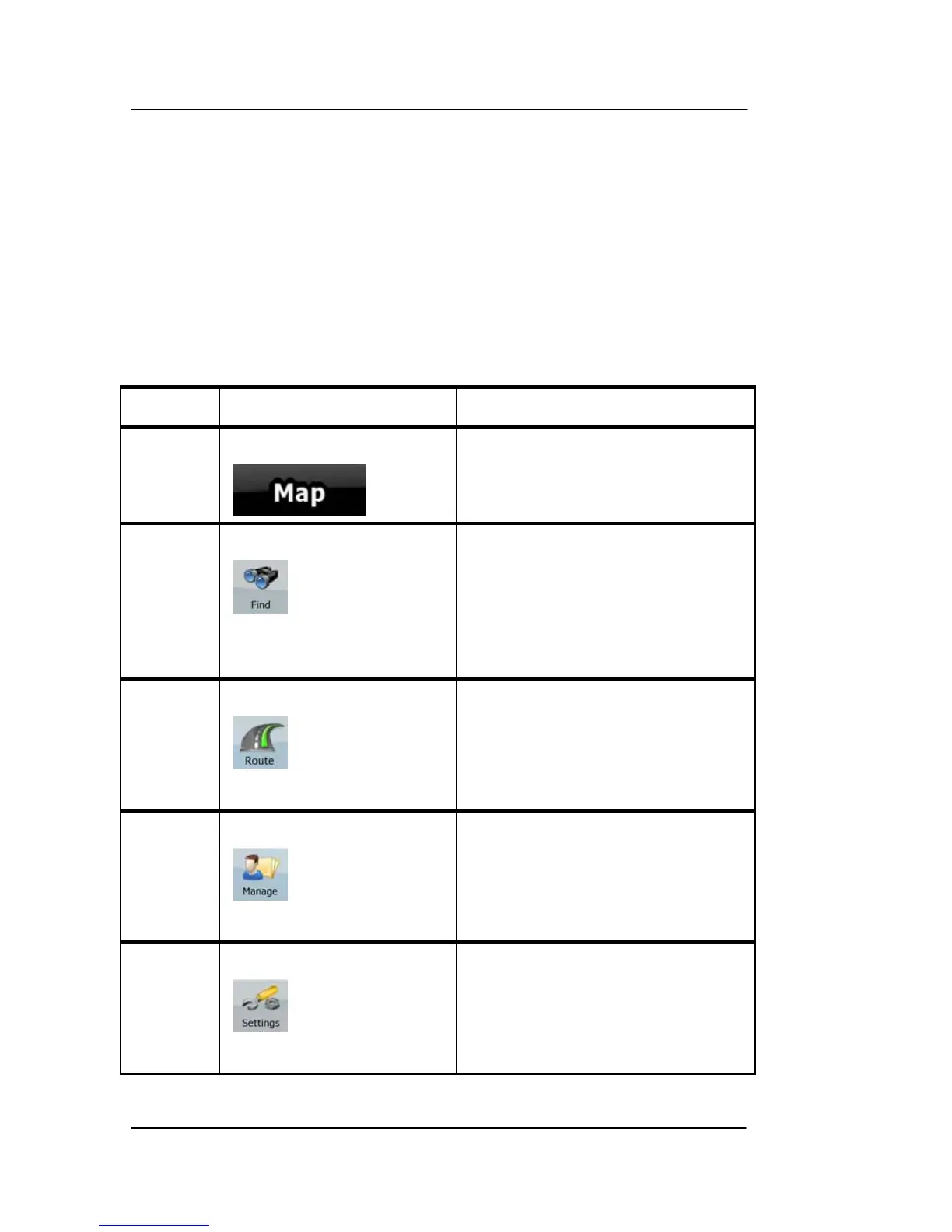
Table 3-8: Navigation Menu
Screen Soft Key Description
Map
The Map screen.
Find
Selecting the destination (for
example an address or a POI)
or using the search engine of
GoDrive for any other reason
(for example to look for the
phone number of a POI).
Route
Managing the active route
(obtaining information about it,
changing or deleting it or parts
of it) or planning a route
without GPS reception.
Manage
Managing user data, such as
saved locations (POIs,
Favorites, Pins, and History
items), Saved Routes, and
Track Logs.
Settings
Managing the behavior of
GoDrive, for example the map
layout during navigation, the
used languages or the
warnings.



 To Next Page