Honeywell Bendix/King AV8OR Handheld User’s Guide
VFR Moving Map Function D200803000008
Page 2-42 Rev 5 Mar 2012
© Honeywell International Inc. Do not copy without express permission of Honeywell
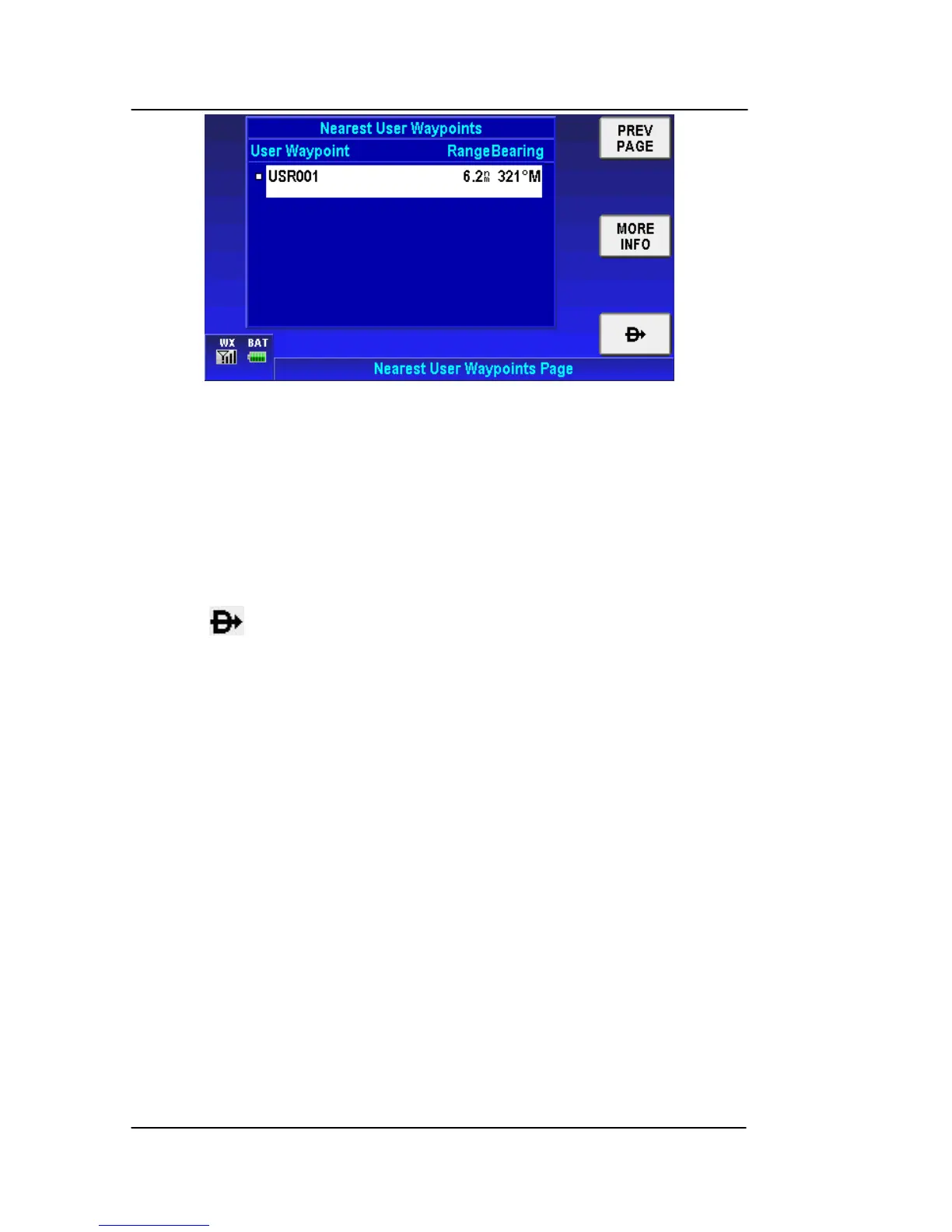
Figure 2-47: Nearest User Waypoints
Nearest User Waypoints Soft Keys
Tap the PREV PAGE soft key to return to the Nearest Database
Selection window.
Tap the MORE INFO soft key to display additional information about
the highlighted user waypoint from the list.
Tap the soft key after selection of a user waypoint to set a new
course from the aircraft’s present position directly to the selected
user waypoint. The new Direct-To course is displayed on the map.
NOTE: User waypoints that have a VFR Airport, VOR, Town or City
icon associated with them will also show in the Nearest
Airports, Nearest VOR or Nearest Towns and Cities list as
well as in the Nearest User Waypoints list.
Nearest Towns and Cities
Dou
ble tap o
n the Nearest Towns and Cities selection or tap once
on the Nearest Towns and Cities selection and tap the SELECT
soft key to show the Nearest Towns and Cities.



 To Next Page