Honeywell Bendix/King AV8OR Handheld User’s Guide
D200803000008 Automotive Mode Operation
Rev 5 Mar 2012 Page 3-29
© Honeywell International Inc. Do not copy without express permission of Honeywell
instructions.
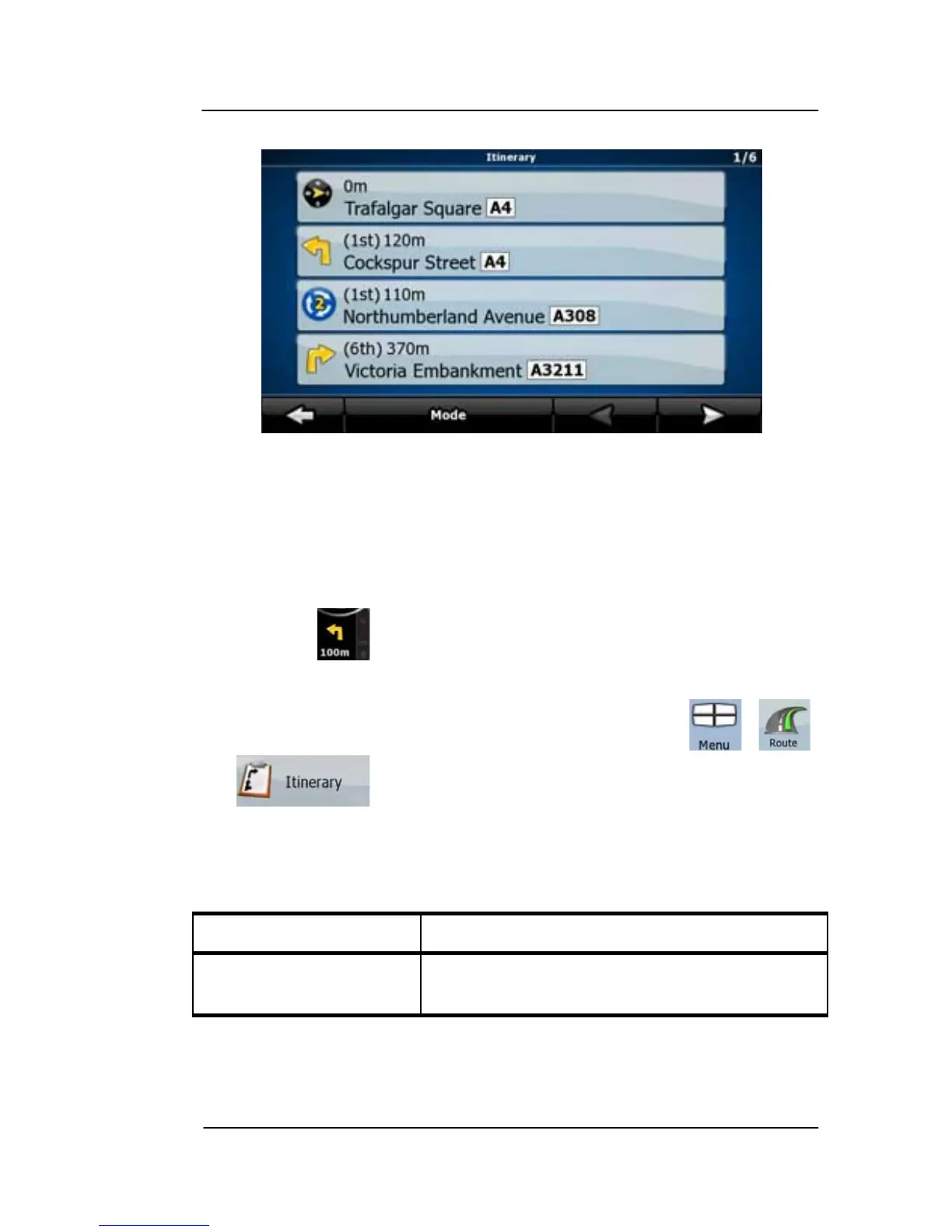
Figure 3-5: Itinerary
When you are on the Map screen, you can display the Itinerary in
one of the following ways:
- Tap the area between the Turn preview and the Travel data fields
where the symbol of the second next maneuver is displayed (for
example: ).
- In Advanced mode, tap the following soft Keys: , ,
You have the following options on the Itinerary screen:
Table 3-6: Itenerary Screen
Soft Key Description
Any of the list items Opens the map with the selected
maneuver in the middle.



 To Next Page