Honeywell Bendix/King AV8OR Handheld User’s Guide
D200803000008 Getting Started
Rev 5 Mar 2012 Page 1-7
© Honeywell International Inc. Do not copy without express permission of Honeywell
Charging the internal battery
Before using this unit for the first time or when replacing the internal
battery with a new battery, the internal battery in the AV8OR must be
charged.
Find the power connector (7) on the right side of the unit. Refer
to Figure 1-3.
Rechar
ge the unit by either using the DC power adapter or the
120/220V AC adapter.
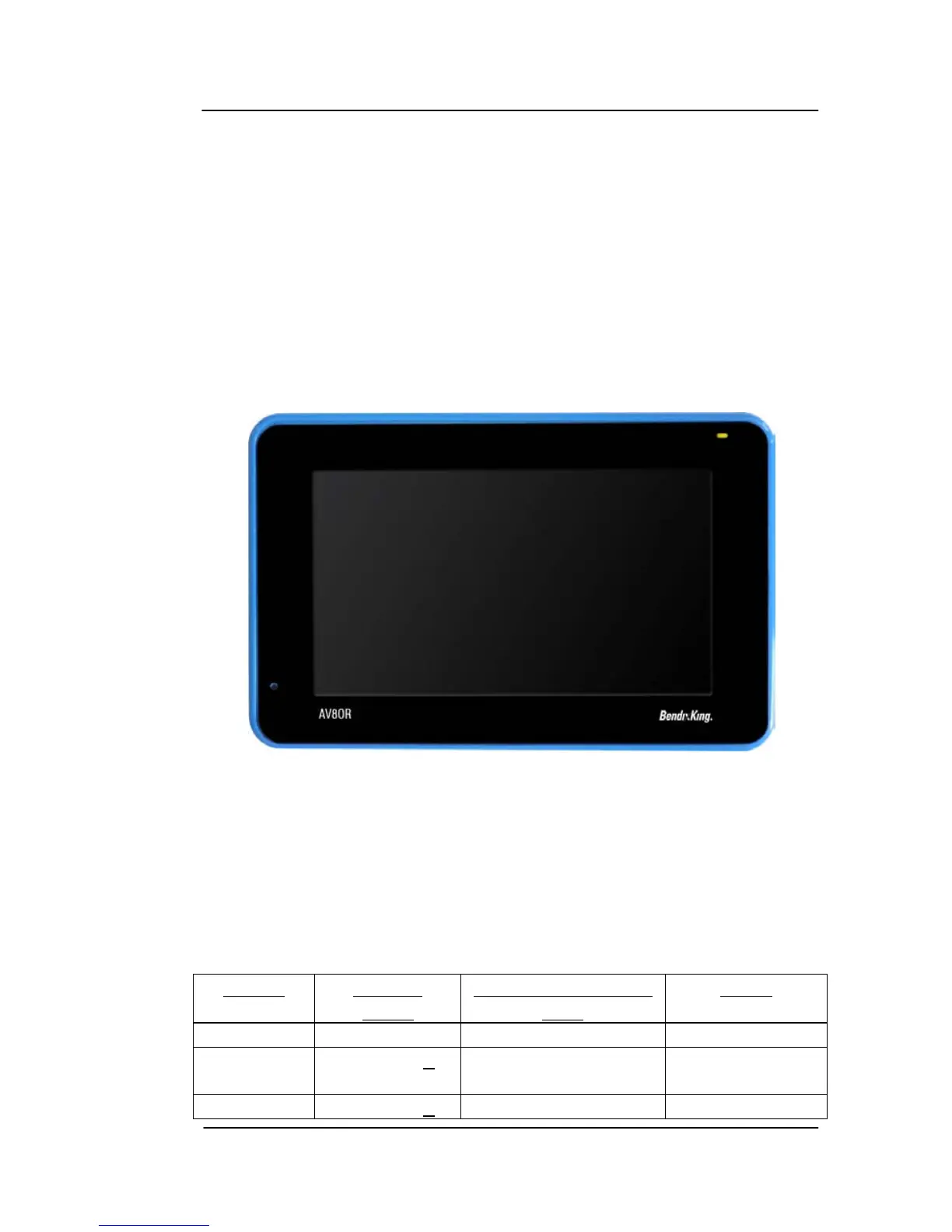
The LED charging indicator (4) on the unit shows a yellow light while
the unit is charging.
Figure 1-4: Charging with AV8OR turned off
When the unit is completely charged, the yellow light changes to a
green light. If the unit is turned on while charging, the charging
animation in the top right portion of the screen also displays a green
battery with full bars.
The table below shows the different charge levels.
Table 1-4: Battery Charge Level
Status
Charge
Level
Number of bars on
icon
Color
Full > 75% 5 Green
Good > 50% & <
75%
4 Green
Medium > 25% & < 3 Yellow



 To Next Page