Honeywell Bendix/King AV8OR Handheld User’s Guide
D200803000008 Weather Function
Rev 5 Mar 2012 Page 2-107
© Honeywell International Inc. Do not copy without express permission of Honeywell
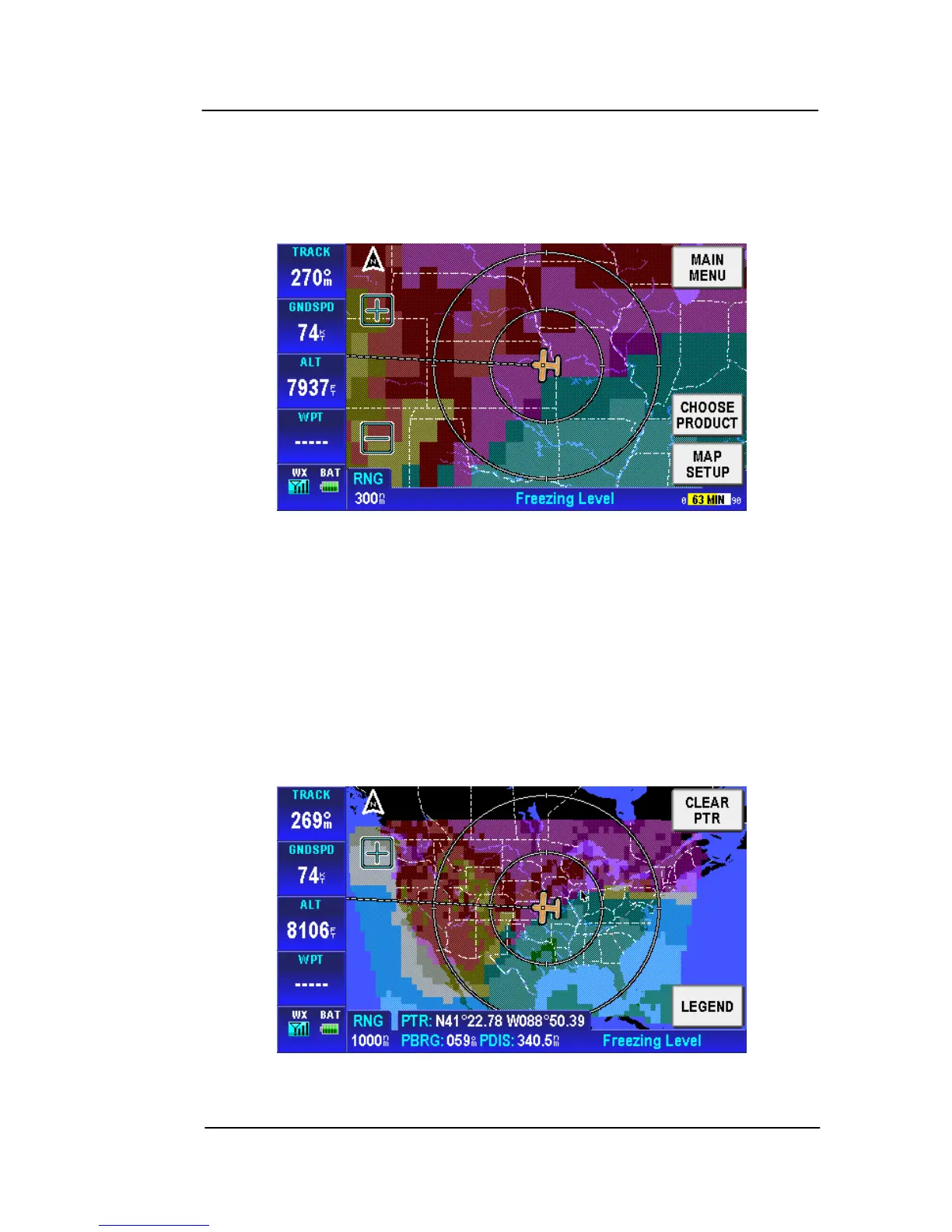
GRAPHICAL FREEZING LEVEL
Tap on the CHOOSE PRODUCT soft key on the Weather Main page
and select Graphical Freezing Level from the SELECT WX
PRODUCT box. The Freezing Level page is shown.
Figure 2-152: Graphical Freezing Level Page
• Tap on the MAIN MENU soft key to return to the Main Menu.
• Tap on the CHOOSE PRODUCT soft key to show the Choose
Product page. The Choose Product page only shows if weather
products other than NEXRAD are available.
• Tap on the MAP SETUP soft key to show the Map Setup page.
• Tap anywhere on the screen to show the pointer tag window.
Figure 2-153: Freezing Level - Pointer Tag Window



 To Next Page