Honeywell Bendix/King AV8OR Handheld User’s Guide
D200803000008 Automotive Mode Operation
Rev 5 Mar 2012 Page 3-65
© Honeywell International Inc. Do not copy without express permission of Honeywell
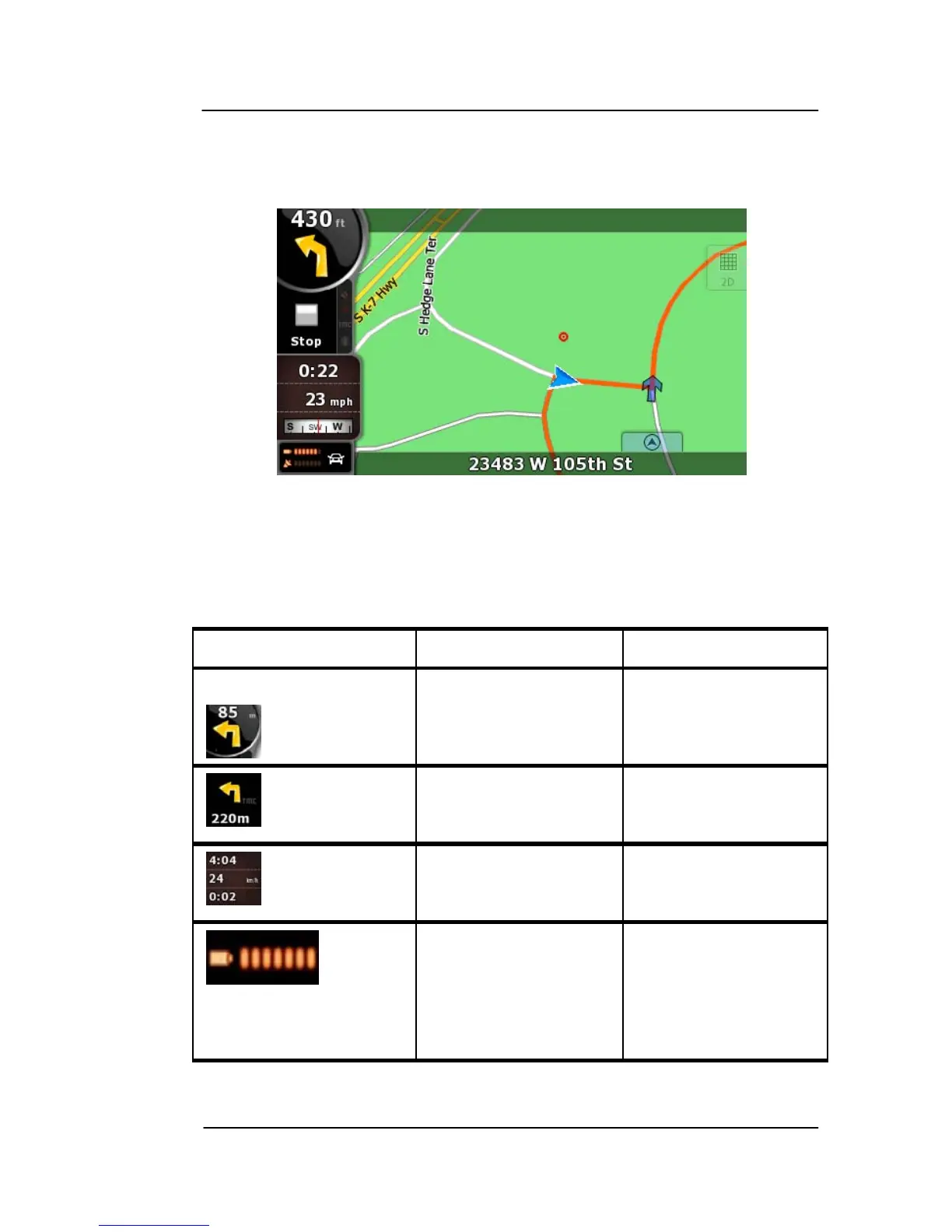
Map Screen
The most important and most often used screen of GoDrive is the
Map screen.
Figure 3-10: Map Screen Advanced Mode
During navigation, the screen shows route information and trip data
(left screenshot), but when you tap the map, additional soft Keys and
controls appear for a few seconds (right screenshot). Most parts of
the screen behave as soft Keys.
Symbol Name Action
Turn Preview, that
is, the next route
event
Opens the Route
Information screen
Second upcoming
route event
Opens the Itinerary
Trip data Opens the Trip
Information screen
Battery status Opens the Quick
menu



 To Next Page